10 Nonprofit Fundraising Software Options
Oct 1, 2026 · 15 min read
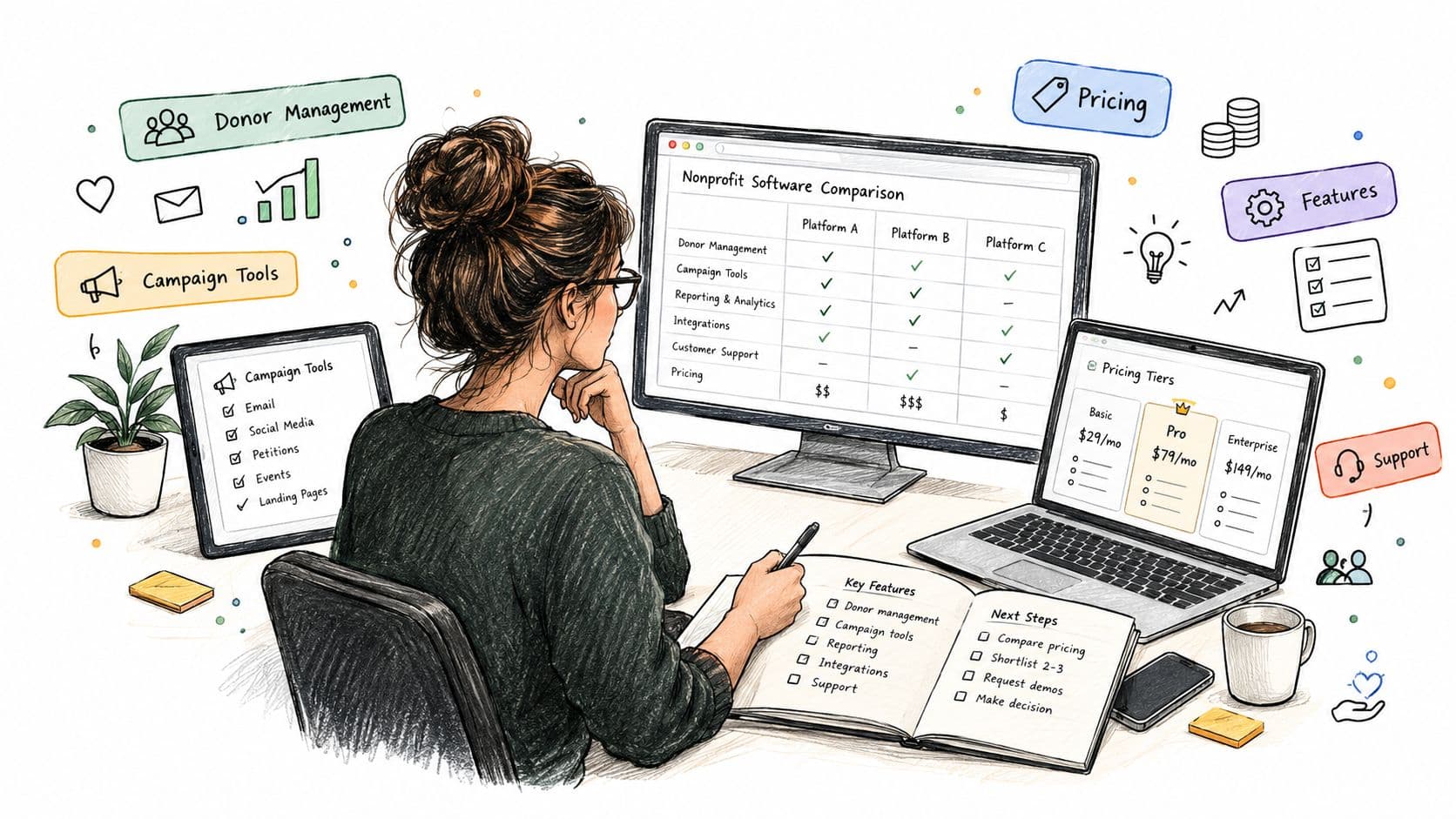
The most popular advice about nonprofit fundraising software is also the least useful: choose the platform with the longest feature list. A nonprofit that needs a reliable donor database has a different problem from one that needs to launch a peer-to-peer campaign tomorrow, and neither necessarily needs an enterprise development system.
The market reflects that split. Nonprofit fundraising software was estimated at USD 6.4 billion in 2024 and is projected to reach USD 15.2 billion by 2033, while cloud deployment already represented 78.16% of the market in 2025 according to Mordor Intelligence's nonprofit software analysis. That growth creates more choice, but it also makes category confusion expensive.
This comparison separates donor-management CRMs, campaign-first fundraising tools, and enterprise development platforms. Each option is assessed by the operational problem it solves, its CRM depth, pricing transparency, integrations, implementation demands, migration risk, and long-term fit. The right question isn't “Which platform has the most features?” It's “Which system should own which part of our fundraising workflow?”
Table of Contents
- 1. Bloomerang
- 2. Neon CRM
- 3. DonorPerfect
- 4. Blackbaud Raiser's Edge NXT
- 5. Bonterra EveryAction
- 6. Givebutter
- 7. Qgiv
- 8. Funraise
- 9. Donorbox
- 10. Little Green Light
- Top 10 Nonprofit Fundraising Software Comparison
- How to Choose Without Overbuying
1. Bloomerang
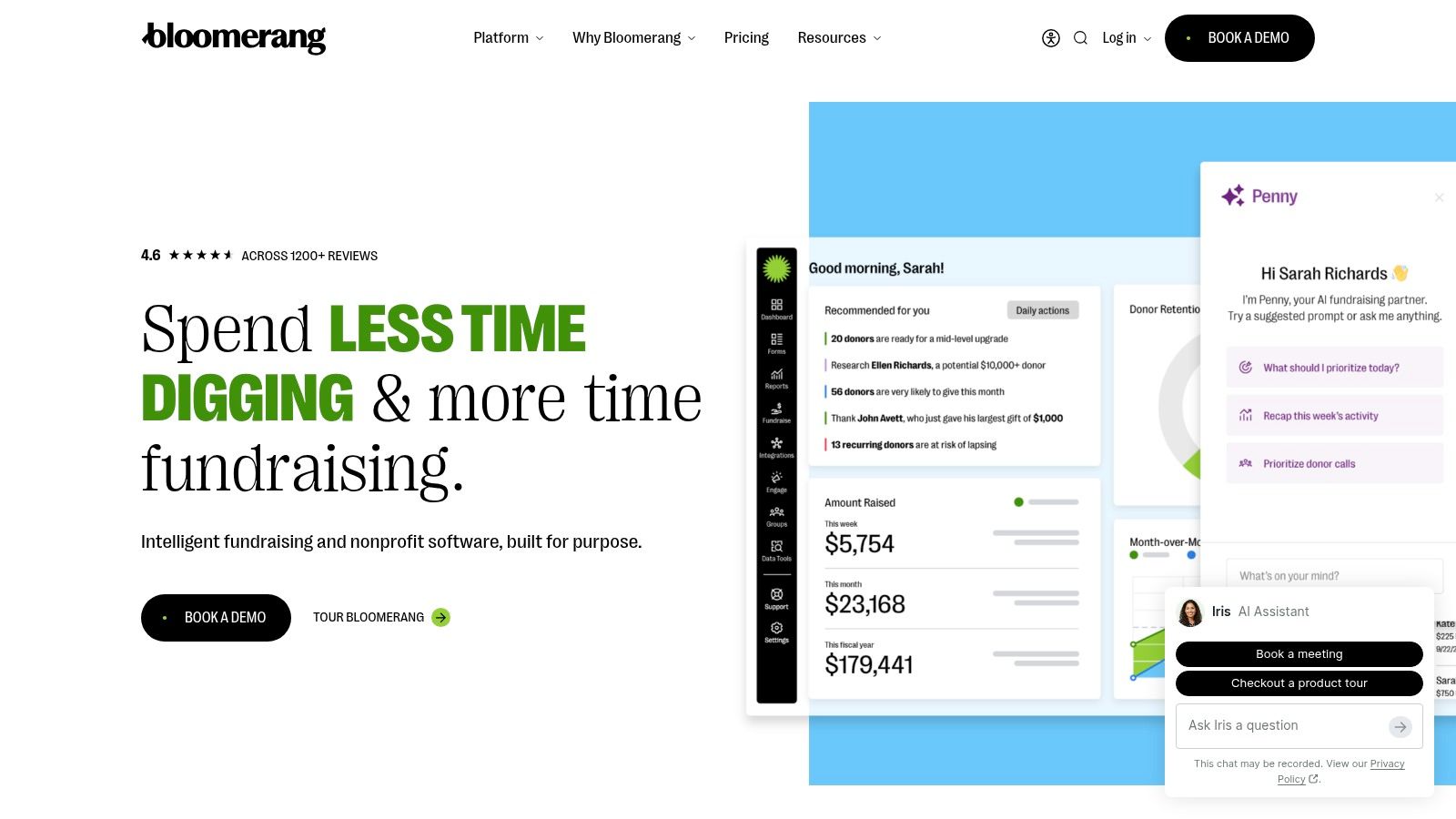
Bloomerang is a practical choice for a small or midsize nonprofit that wants one central system for donor records, online giving, events, communications, and payments. Its strongest positioning is donor retention and stewardship, not highly customized enterprise development.
The platform combines a donor CRM with engagement scoring, retention insights, online donation forms, event pages, mobile giving, email, texting, and marketing automation. Native payment processing and QuickBooks integrations can reduce the number of separate systems a small team has to reconcile.
Where Bloomerang fits best
Bloomerang makes the most sense when the fundraising team needs a usable CRM hub, rather than a specialist campaign engine. A team can track giving history, communicate with supporters, and manage basic fundraising activity without stitching together several products.
Its published starter pricing gives buyers more visibility than quote-only platforms, although the total cost can change as the organization adds advanced analytics, automation, implementation, or migration support. That distinction matters because the subscription price isn't the same as the cost of making the system reliable.
Practical rule: Choose Bloomerang when donor stewardship is the center of the workflow. Keep an existing CRM if Bloomerang would only become a second database for a narrow campaign.
The limitation is depth. Teams with complex development portfolios, advanced reporting requirements, or highly specialized workflows may need a higher tier or another system. Bloomerang is strongest when simplicity and retention activity matter more than extensive customization.
2. Neon CRM
Neon CRM is designed for organizations that want fundraising, memberships, events, volunteers, and email in a connected environment. It solves a different problem from a lightweight donation form. Its appeal is breadth across nonprofit operations, particularly for teams trying to reduce system sprawl.
The platform supports online forms, events, memberships, email marketing, volunteer management, and peer-to-peer fundraising. Its integration ecosystem extends into accounting, email, and wealth screening, which gives a growing organization more room to connect its existing tools.
The tradeoff behind the broad footprint
Neon's revenue-based pricing model can be attractive for an organization whose fundraising activity is expanding, but buyers should model the relationship between revenue, contact volume, modules, and support before signing. Quote discussions should cover the actual configuration, not only the base platform.
The system can also require more training than a campaign-first product. A broad feature set gives teams more options, but it creates more decisions about field structure, permissions, workflows, and data ownership.
One implementation risk deserves special attention. Independent coverage reports that 93% of nonprofits identify a lack of IT or technical staff as a technology-adoption challenge in Fundraise Up's analysis of online fundraising platforms. For a team in that position, Neon should be evaluated through a real workflow test, not a feature tour.
Neon is a good fit when memberships, events, volunteers, and fundraising genuinely need to share records. If the organization already has a capable CRM, adding Neon only for donation pages may create another synchronization problem.
3. DonorPerfect
DonorPerfect is a mature donor-management platform for organizations that want flexible records, detailed reporting, and fundraising workflows beyond simple online donations. Its history also gives it useful context. DonorPerfect is described as the first software tool targeted specifically at nonprofits, developed in 1985, while the first CRM tool appeared in 1987, according to Caseworthy's history of nonprofit software.
The platform supports donor records, online forms, recurring giving, pledges, tributes, grants tracking, receipting, email marketing, and integrations such as QuickBooks and Constant Contact. Those capabilities make it more suitable for a development office that needs to preserve relationship history and financial context in one record.
Why data depth matters here
DonorPerfect's advantage is the ability to represent fundraising activity that a campaign tool may treat as a simple transaction. Pledges, tribute gifts, grant activity, acknowledgments, and reporting requirements all need consistent structures if the organization wants meaningful long-term analysis.
That depth can feel less approachable to a team accustomed to form builders. Reporting configuration and interface conventions may require training, and quote-based pricing makes it harder to compare total cost before a sales conversation. Add-ons and implementation services should be priced separately during evaluation.
DonorPerfect is a better choice for a nonprofit that wants a durable donor database than for one that only needs a fast campaign page.
The platform is especially relevant when the organization is replacing spreadsheets or a fragmented legacy database. It may be more system than a very small team needs, but its implementation partner network can help if the organization plans the migration carefully.
4. Blackbaud Raiser's Edge NXT
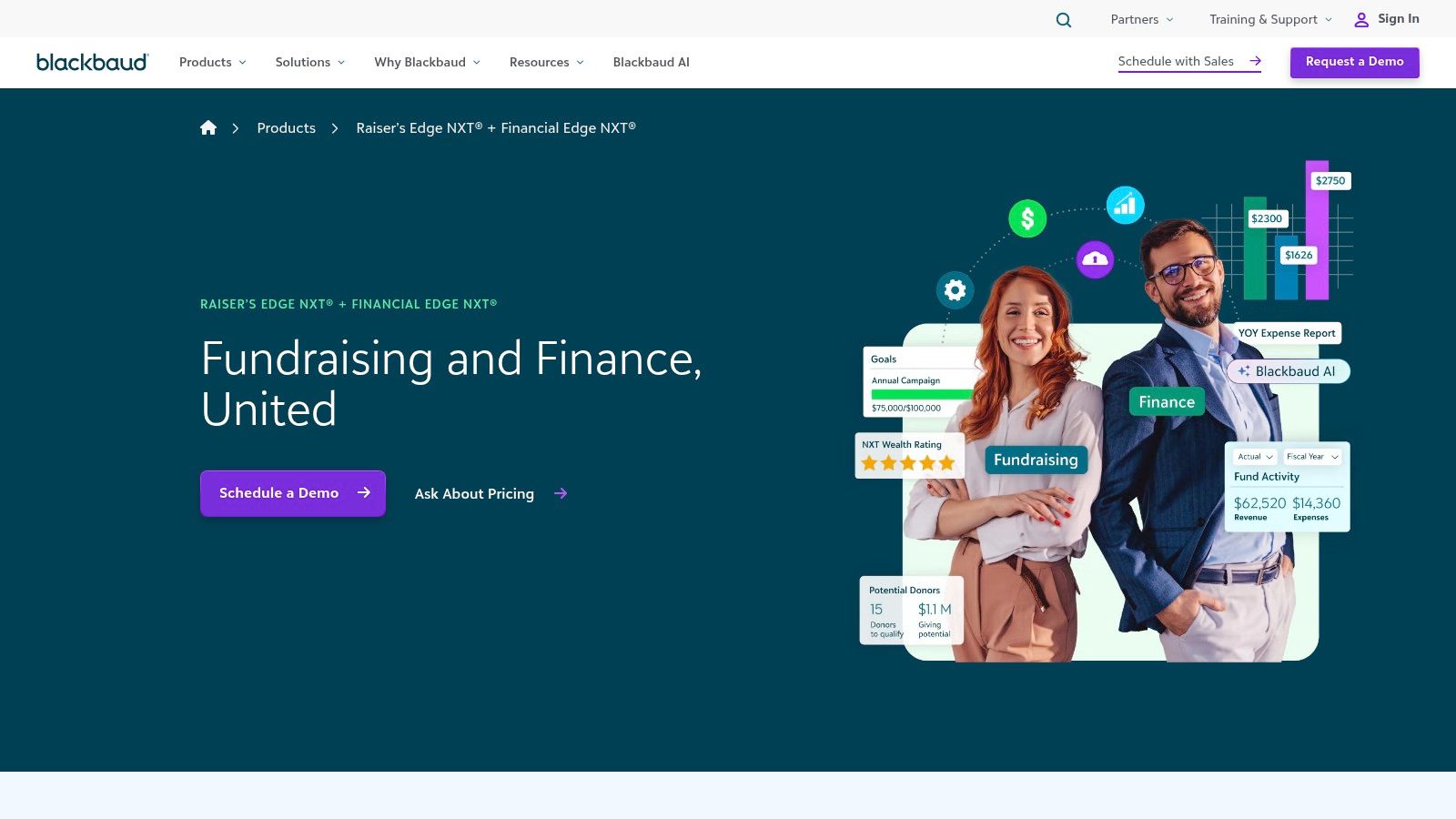
Blackbaud Raiser's Edge NXT is built for enterprise development, not just online donation collection. Universities, hospitals, and multi-program nonprofits can use it to manage constituent relationships, moves management, complex gift processing, segmentation, analytics, and governance.
Its constituent view is designed to bring relationship activity together, while batch gift entry, acknowledgments, dashboards, benchmarking, and complex reporting support larger development operations. The broad integration ecosystem and professional services network are meaningful advantages when an organization has complex processes and dedicated staff.
The enterprise threshold
Raiser's Edge NXT is difficult to justify if the main need is a branded donation form or basic email automation. Its value appears when the organization needs structured development portfolios, data governance, gift operations, and reporting that smaller systems may not model well.
Pricing is custom and typically requires a broader budget discussion than a self-serve campaign platform. Buyers should include configuration, training, data migration, integrations, and ongoing administration in the business case. A technically powerful system can underperform when staff don't agree on definitions, ownership, or data-entry standards.
Grant research also belongs in a separate workflow. A development team can use Grantlas for grants for nonprofits to discover and prioritize funding prospects, while Raiser's Edge NXT remains the system for constituent records, gifts, and development activity.
Raiser's Edge NXT fits organizations with the governance capacity to operate an enterprise CRM. Smaller nonprofits should first determine whether they need its depth or merely feel pressure to buy a prestigious platform.
5. Bonterra EveryAction
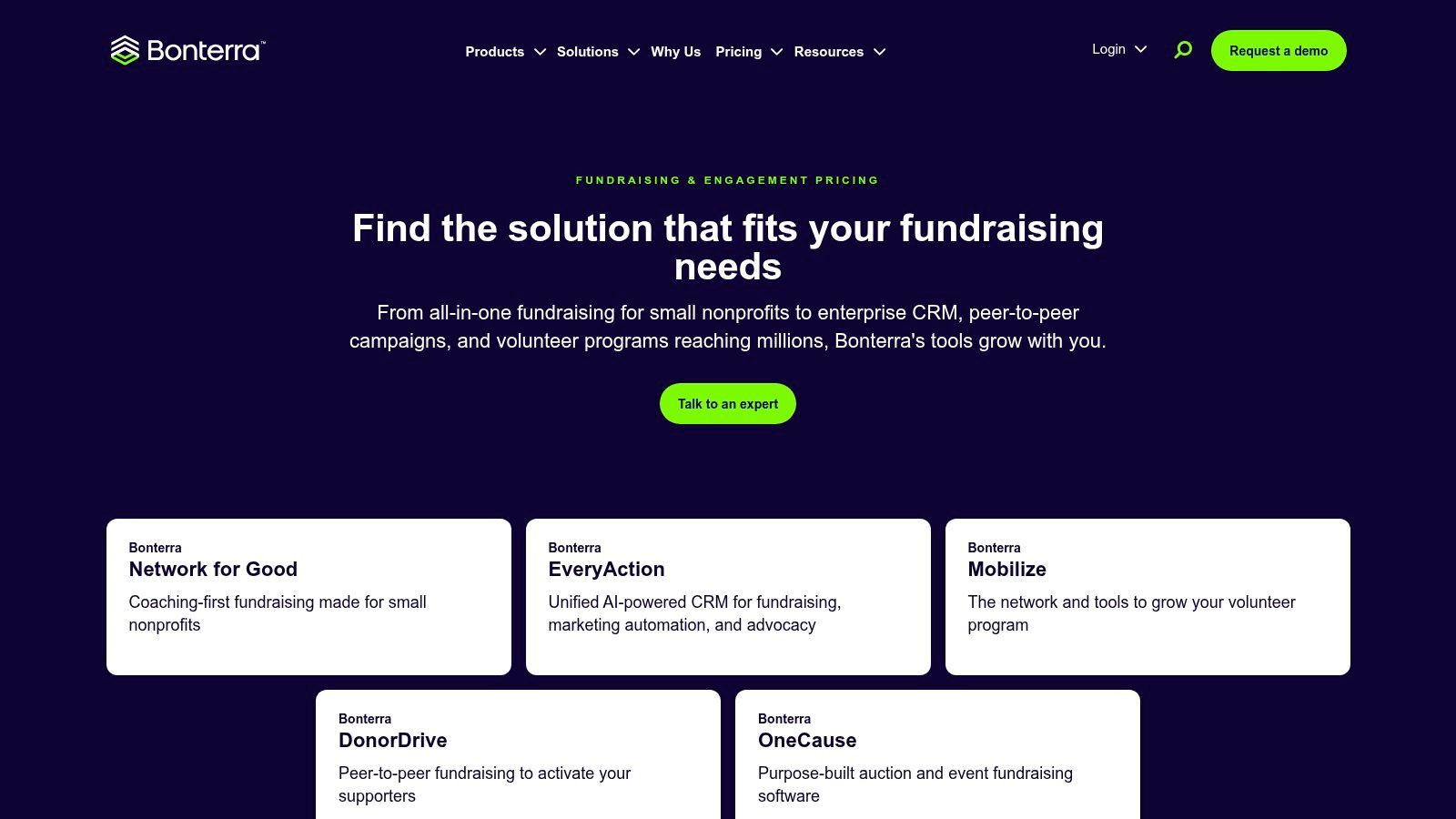
Bonterra EveryAction, now positioned within Bonterra's fundraising and engagement offering, is suited to organizations that combine fundraising with advocacy, civic engagement, email, SMS, and events. That combination distinguishes it from a donor CRM focused almost entirely on stewardship.
The platform supports fundraising records, segmentation, automation, donor pipelines, email, text messaging, advocacy, events, native payments, and integrations including Mobilize. It can be a strong operational fit for organizations whose supporters move between donating, signing petitions, attending events, and taking public action.
A platform for engagement complexity
EveryAction earns consideration when the organization needs one engagement history across fundraising and advocacy. A separate donor CRM and advocacy database can force staff to reconcile audiences, consent, activity, and campaign results manually.
The cost is implementation complexity. Quote-based pricing makes the initial comparison less transparent, and organizations may need data cleanup, configuration, and consulting before automation behaves as intended. The team should test how the platform handles duplicate constituents, opt-outs, householding, event attendance, and cross-channel segmentation.
If advocacy is peripheral, EveryAction may be more platform than the fundraising team needs. If advocacy is central, a basic donor CRM may leave the organization rebuilding the same workflows elsewhere.
Bonterra is most compelling for mid-sized and larger organizations with experienced engagement teams. A small nonprofit should compare the value of integrated advocacy against the administrative cost of adopting a broader system.
6. Givebutter
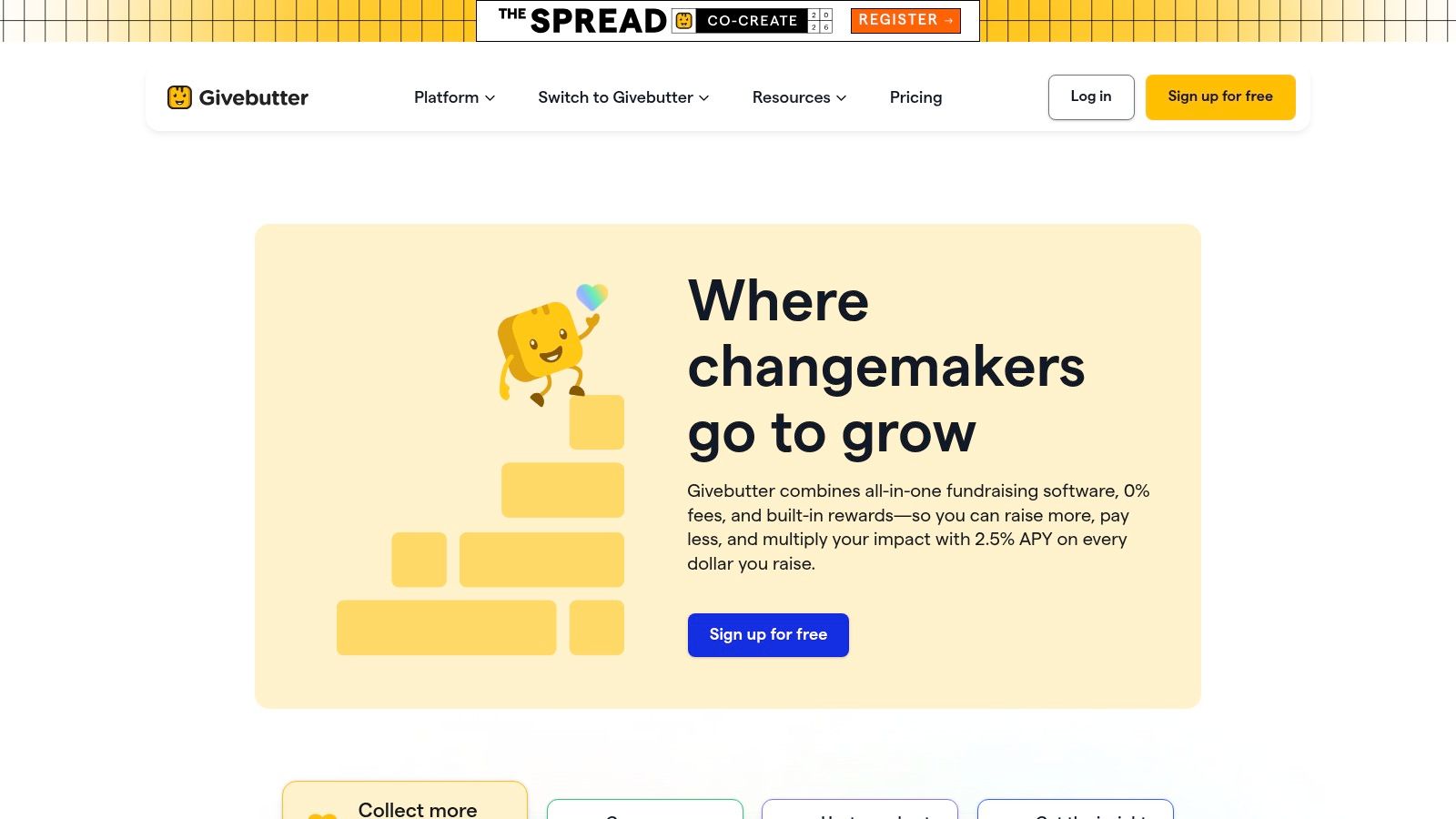
Givebutter solves the problem of launching a campaign quickly. It offers donation pages, events, auctions, peer-to-peer fundraising, a lightweight CRM, email, SMS, and multiple payment options including Cash App and PayPal.
The platform's appeal is operational speed. A small team can create a branded campaign, invite peer fundraisers, sell event access, or run an auction without beginning with a lengthy CRM implementation.
Fast launch, lighter relationship history
Givebutter uses a donor-tip model that can offset platform fees, alongside a paid Plus tier that adds CRM and marketing capabilities. Its transparent contact-tier pricing makes the subscription easier to model, but the organization still needs to understand payment processing, optional tips, and donor checkout messaging.
The lightweight CRM is useful for campaign follow-up, contact notes, email, and SMS. It isn't a substitute for a mature donor database when the team needs detailed development portfolios, complex pledge management, or deep historical reporting.
A nonprofit can pair Givebutter with an existing CRM if it establishes a clear source of truth and tests the integration before launch. Otherwise, campaign data can remain trapped in the campaign system, weakening future stewardship.
Grant activity should remain separate from transaction management. Teams writing proposals can use this guide to writing a nonprofit grant, while Givebutter handles campaign execution and supporter payments.
Givebutter is a strong choice for urgent campaigns, community fundraising, auctions, and events. It becomes less suitable when the campaign tool gradually turns into an unplanned replacement for the organization's donor CRM.
7. Qgiv
Qgiv is a specialized giving toolkit for nonprofits that need strong donation forms, events, peer-to-peer fundraising, text fundraising, and auctions while keeping their existing CRM. It doesn't try to solve every constituent-management problem.
Its modules include donation, event, peer-to-peer, text, and auction fundraising, supported by a mobile app for event and auction activity. Matching-gift and accounting integrations extend the tool into the surrounding fundraising workflow.
The case for keeping your CRM
Qgiv makes sense when the organization already trusts its donor database but wants better campaign execution. Replacing a functioning CRM just to obtain better auctions or event registration creates migration work without necessarily improving stewardship.
Its packaging and documentation around processing and platform fees make cost analysis more straightforward than a fully custom enterprise contract. Still, add-on modules can increase monthly spend, so the team should price the exact campaign mix it expects to use.
The limitation is deliberate. Qgiv isn't the deepest system for donor history, major-gift activity, or development reporting. Integration testing should cover gift imports, recurring donations, refunds, designations, donor matching, and acknowledgment workflows.
Keep the CRM: If Qgiv can send clean, complete transaction data into a functioning CRM, use it as the giving layer instead of creating a second donor database.
Qgiv is especially suitable for organizations with event-heavy fundraising or auction requirements. It's less appropriate as the only platform for a development office that needs a complete relationship-management record.
8. Funraise
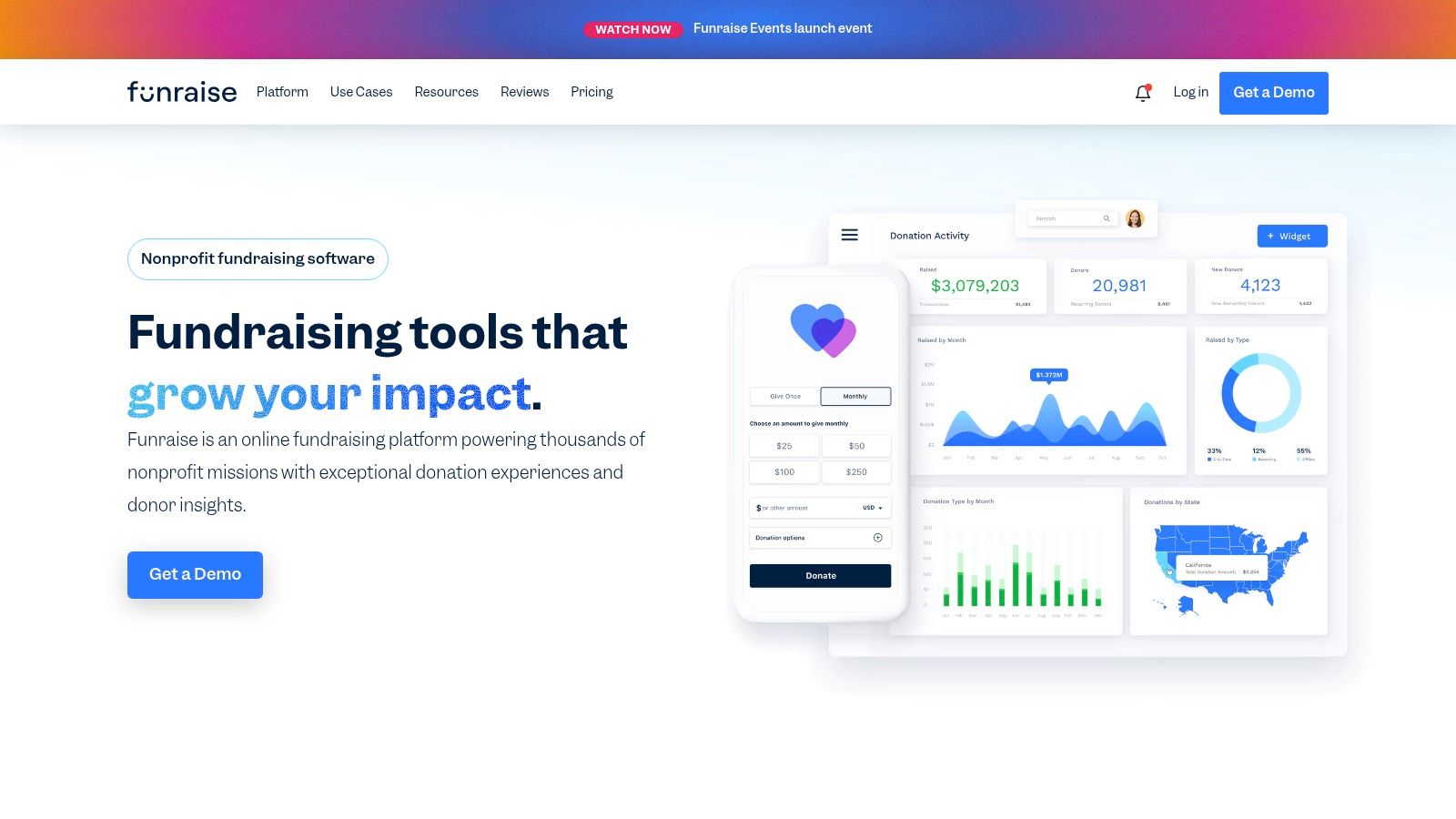
Funraise combines campaign execution with a lightweight donor database. It supports donation pages, tickets, events, peer-to-peer fundraising, auctions, email campaigns, automation, and Stripe-powered processing.
Its Free option has no subscription charge but still involves platform and processing fees. Donor-covered-fee functionality can shift part of that cost to the donor, so the organization should evaluate both the financial mechanics and the clarity of the checkout experience.
A useful testing ground
Funraise is a practical option for a nonprofit that wants to test a campaign concept, improve event pages, or add peer-to-peer fundraising without committing immediately to a large CRM project. Clear documentation around fees and email usage helps teams estimate the operating model.
The Free option shouldn't be mistaken for free fundraising. Transaction and platform fees still apply, and advanced features sit behind paid tiers. A team should model the cost of its actual payment volume and communication needs rather than comparing only subscription prices.
The CRM layer is useful for campaign contacts, notes, and basic relationship activity. It may not support the complex data models, portfolio management, or advanced reporting expected by a large development department.
Funraise works best when the organization values polished campaign experiences and a low-friction launch. If the nonprofit already has a reliable CRM, it should decide whether Funraise will send complete records back to that system or become a parallel source of donor truth.
9. Donorbox
Donorbox focuses on fast deployment of giving infrastructure. Its embeddable donation forms and hosted pages let a nonprofit add one-time and recurring donations to an existing website without replacing the website or CRM.
The platform also supports company matching, donor management tools, peer-to-peer and crowdfunding campaigns, and text-to-give. That makes it useful for a small team that needs a capable giving layer while its broader technology stack remains unchanged.
The low-migration option
Donorbox is often easier to adopt than a full donor CRM because the organization can keep its website and existing records. The important question is whether the resulting data flow is dependable. An embedded form is only a successful implementation if gifts, recurring status, donor identity, designations, and receipts reach the systems staff use.
The platform charges platform fees in addition to payment processor fees. Those costs should be reviewed for each form, campaign, and payment method, especially when the organization is comparing Donorbox with a CRM that includes native processing.
Its recurring-giving tools are a meaningful strength for nonprofits that want to improve the donor checkout experience without redesigning the entire fundraising operation. The CRM functionality remains lighter than a dedicated donor-management system.
Donorbox is the right choice when the primary problem is accepting donations cleanly on an existing site. It's not the right reason to abandon a well-maintained CRM, and it shouldn't become the permanent home for data that belongs in the organization's central donor record.
10. Little Green Light
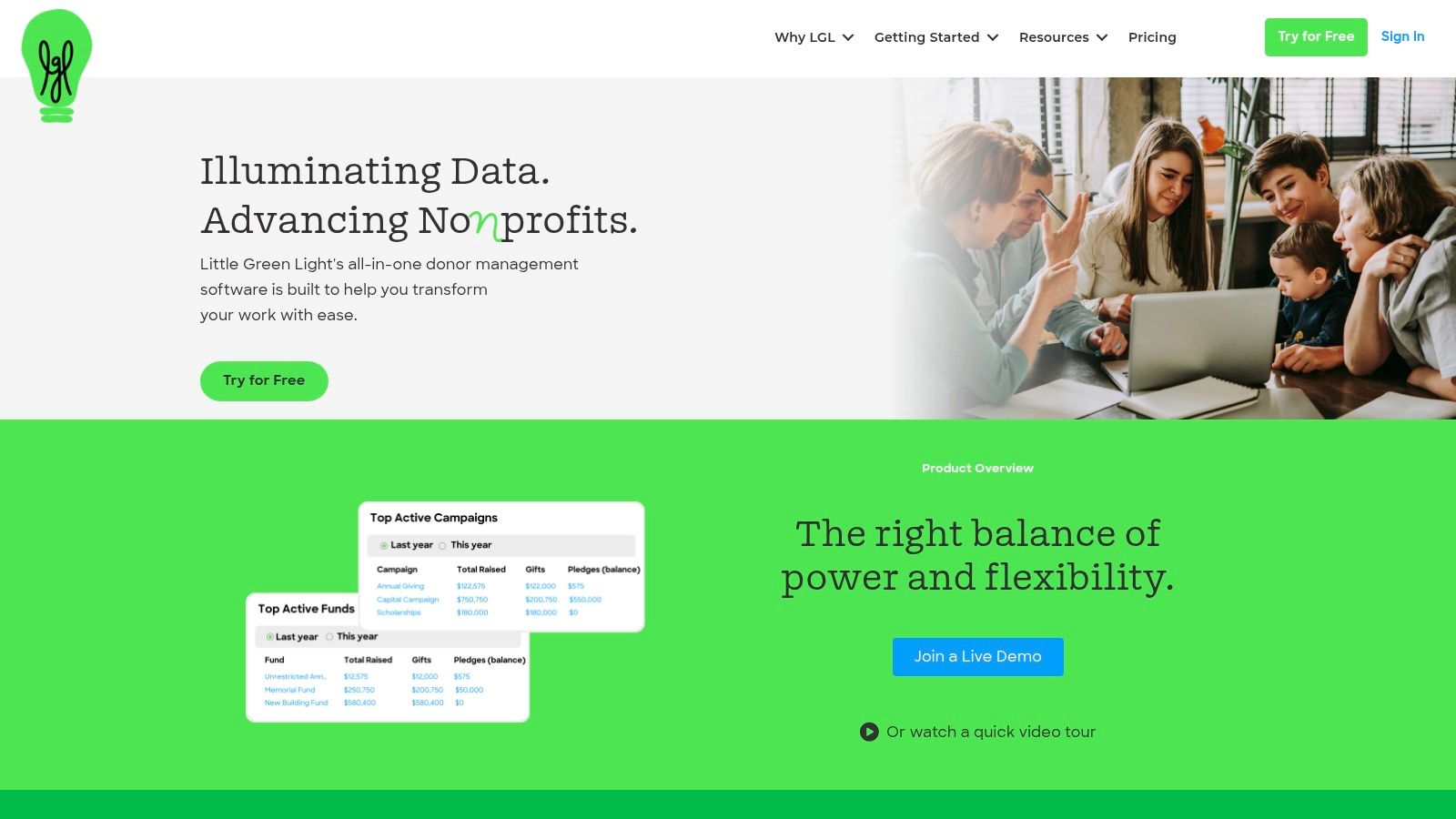
Little Green Light is a budget-conscious donor-management system for small nonprofits that need structured records, appeals, tasks, events, online forms, and basic email without an enterprise implementation.
Its record-based pricing is transparent, and the platform offers a 30-day free trial period. The CRM includes constituent records, tasks, appeals, events, online forms, and integrations with accounting and email platforms.
Value depends on the team's ceiling
LGL is appealing because it emphasizes practical donor records instead of trying to become an entire nonprofit operating system. A small development team can use it to organize appeals, gift history, tasks, and events with less implementation overhead than a large enterprise CRM.
The limitation is marketing depth. Organizations that need sophisticated automation, complex campaigns, advanced segmentation, or extensive communication workflows may eventually outgrow its forms and outreach tools.
Migration deserves attention before purchase. Even a straightforward donor database needs consistent names, addresses, gift designations, recurring-gift status, and notes. The team should ask who performs the migration, how errors are reviewed, and how the organization will preserve historical context.
For teams preparing financial reporting, sample nonprofit financial statements can help clarify which fundraising and accounting records need to remain connected. LGL can support the donor side, but it shouldn't be expected to replace every financial system.
Little Green Light fits a small nonprofit that values affordability, clarity, and core donor management. It is less suitable for an organization already planning complex marketing automation or enterprise development operations.
Top 10 Nonprofit Fundraising Software Comparison
| Product | Key features | Target audience | Unique selling point | Ease of use / UX | Pricing (typical) |
|---|---|---|---|---|---|
| Bloomerang | Donor CRM, online giving, events, marketing automation, payments | Small–midsize nonprofits | Focus on donor retention & stewardship workflows | User-friendly; advanced analytics may need higher tiers | Starter pricing published; add‑ons/implementation may cost extra |
| Neon CRM (Neon One) | Donations, memberships, events, volunteers, integrations | Small to mid‑enterprise; fast‑growing orgs | Revenue‑based pricing; broad feature set & scaling | Powerful but steeper learning curve | Revenue‑based pricing model (varies by revenue) |
| DonorPerfect | CRM, pledges/tributes, grant tracking, reporting | Small through mid‑large nonprofits | Deep reporting and mature CRM capabilities | Functional but can feel dated/complex to set up | Quote‑based; add‑ons can raise total cost |
| Blackbaud Raiser's Edge NXT | Constituent 360, moves management, advanced analytics | Universities, hospitals, large multi‑program orgs | Enterprise-grade gift processing, governance, benchmarking | Steep learning curve; needs configuration/training | Custom/quote pricing; typically multi‑thousand annually |
| Bonterra EveryAction | Fundraising CRM + advocacy, email, SMS, events | Mid‑to‑enterprise; orgs blending advocacy & fundraising | Combines fundraising with advocacy/engagement tools | Powerful for advocacy but requires implementation work | Quote‑based; can be premium at scale |
| Givebutter | Donation pages, events, P2P, lightweight CRM, tips model | Small teams, fast campaign launches | Fast to launch; donor “tip” model to offset fees | Very fast deploy; simple campaign UX | Tip‑supported model; Plus tier with CRM by contact tiers |
| Qgiv | Donation forms, events, P2P, text fundraising, auctions | Orgs needing robust giving/auction tools (often with external CRM) | Strong auction tools; clear fee documentation | Good for events/auctions; core CRM not included | Transparent processing/platform fees; modules may add cost |
| Funraise | Donation pages, events, P2P, auctions, email automation | Small to mid nonprofits; campaign-focused teams | Free option + donor‑cover‑fees; strong campaign UX | Easy campaign setup; advanced features in paid tiers | Free plan available; paid tiers + transaction/platform fees |
| Donorbox | Embeddable donation forms, recurring giving, P2P, text | Small teams wanting quick embed on existing sites | Fast embed/deploy; strong recurring giving tools | Very fast to deploy; minimal CRM depth | Platform fees + payment processor fees |
| Little Green Light (LGL) | Donor CRM, tasks, appeals, events, simple email | Small nonprofits on a budget | Budget‑friendly, record‑based pricing and simplicity | Straightforward UI; lighter marketing automation | Record‑based pricing; 30‑day free trial |
How to Choose Without Overbuying
Start with the operational problem, not the vendor category. Decide whether the primary need is donor records, campaign execution, advocacy, events, enterprise development, or grant prospecting. A nonprofit that needs better donation forms may choose Qgiv, Givebutter, Funraise, or Donorbox while keeping its CRM. A team that needs pledges, moves management, and structured development reporting should evaluate DonorPerfect, Bloomerang, Bonterra, or Raiser's Edge NXT according to its complexity and staffing.
Then separate the cost of software from the cost of adoption. Your comparison should include the subscription, payment processing, implementation, migration, consulting, support, integrations, add-on modules, and internal staff time. A platform with transparent pricing can still become expensive if the organization needs several paid modules. A quote-based platform can still be appropriate if the vendor clearly explains configuration and ongoing administration.
Test the systems with real workflows instead of polished demonstrations. Import a representative donor file, create a recurring gift, process a refund, record a tribute, assign a campaign designation, build a report, and send the result to the accounting system. Ask staff members who will use the platform to complete these tasks. Their experience will reveal more than a feature list.
Data quality should be part of the buying decision. Independent donor-management research found that 94% of respondents use a donor management system, up from 75% in 2014, but only about half said their system positively improved fundraising results, while 15% said it hindered fundraising. The 2024 Donor Management System Study also identifies basic reporting, ease of use, security, import and export, online donations, technical support, and recurring-donation handling as the most important capabilities.
Use those criteria to evaluate each finalist:
- Define ownership: Decide which platform owns donor records, transactions, campaign activity, communications, and financial reconciliation.
- Inspect integration behavior: Test whether the system transfers complete records, preserves recurring-gift details, and prevents duplicate constituents.
- Price the actual configuration: Include processing, implementation, migration, training, support, and add-ons in the same comparison.
- Plan for staff capacity: A broad platform isn't a bargain if nobody can maintain fields, permissions, automations, and data hygiene.
- Document the exit path: Confirm how the nonprofit can export records, notes, transactions, consent history, and reports if it changes systems.
Grantlas belongs beside this stack, not inside the donation-processing layer. It helps nonprofits identify private foundations and open federal grants, create a profile from an organization website or EIN, and produce a scored shortlist with plain-English reasoning. The platform can flag invitation-only opportunities, geography mismatches, grant-size or budget mismatches, and applicant ineligibility before staff invest time in a proposal.
Its prospect-discovery workflow also includes giving history, typical grant size, cadence, openness to new grantees, peer prospecting, board and trustee listings, saved searches, weekly digests, deadline reminders, and a pipeline from research to award. The platform scans opportunities nightly and rescoring occurs against saved profiles, while source records display filing-year information.
That makes Grantlas complementary to fundraising software. The selected CRM should remain responsible for donation processing, donor stewardship, gift receipting, campaign records, and relationship activity. Grantlas can supply a prospect-discovery layer that helps the development team decide which funders deserve research and outreach, including the relationship practices described in this guide to step-by-step donor recognition.
Choose the smallest system that solves the organization's primary problem without blocking its next stage of development. Keep an existing CRM when a campaign tool can integrate cleanly, and replace it only when the current system prevents accurate reporting, reliable stewardship, or manageable operations.
Grantlas helps nonprofits find private foundations and open federal grants, rank prospects against an organization profile, and explain fit in plain English. Add it beside the fundraising CRM you choose to organize discovery, deadlines, saved searches, reminders, and prospect follow-up, then visit Grantlas to review the platform.