Best Grant Search Software for Nonprofits in 2026
Nov 13, 2026 · 16 min read

You know the pattern. It's 9 p.m., the office is empty, and you're three tabs deep into a foundation's Form 990-PF trying to work out whether a $25,000 grant to an organization two counties over means they'd ever fund you. Somewhere in your inbox is a deadline you meant to calendar two weeks ago.
The problem isn't a shortage of grant opportunities. The U.S. nonprofit sector is enormous and the funding data is public. The IRS publishes annual counts of tax-exempt charitable organizations in its SOI statistics, and the most useful comparable data about who funds what lives in annual tax filings. Nobody can read that sequentially with a team of one.
The problem is a lack of matched, screened, prioritized prospects. A list of 400 open grants is not a strategy. Twelve funders who fund your county, at your budget size, and accept unsolicited proposals is a strategy.
That's the single question this comparison answers. Not which platform has the biggest database, but which one turns your limited hours into a shortlist you can work. The ten tools below split on four axes: coverage (foundations, federal, or both), fit screening (does it tell you why you match, or just hand you a search box), workflow (does it track deadlines and applications), and price (from free to four figures a month).
Skim the comparison table for price and coverage first. Then read the entries for the two or three tools in your budget band. Every honest trade-off is stated, including where the free options fall short.
Table of Contents
- 1. Grantlas
- 2. Instrumentl
- 3. Candid Search
- 4. GrantStation
- 5. GrantWatch
- 6. Grant Frog
- 7. OpenGrants
- 8. Grant Gopher
- 9. Grantmakers.io
- 10. Grants.gov
- Grant search platforms at a glance
- Choosing a Platform and Putting It to Work
1. Grantlas
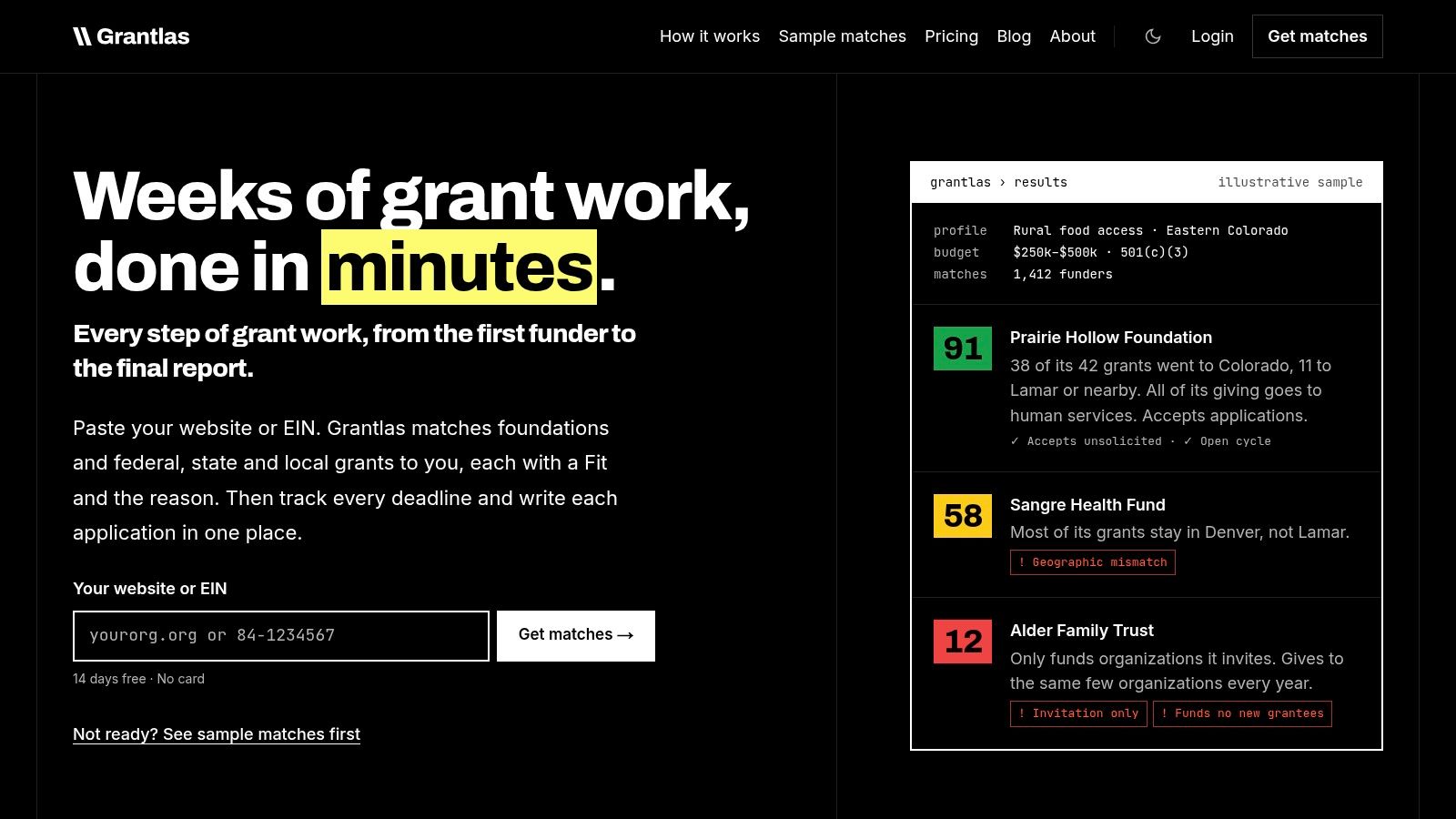
Paste a website URL or EIN into Grantlas and it builds an organization profile, then returns ranked foundation and open-grant matches from a national index covering private foundations plus federal, state, and local opportunities. That matching-first design is why a small development team should trial it before anything else on this list. The product's job is to hand you a screened shortlist, and the screening is visible. No onboarding call, no sales sequence.
Every match arrives with a Fit score out of 100 and a plain-English reason, plus red flags for the problems that waste your week: invitation-only funders, wrong geography, grant size out of range, or cases where you were never an eligible applicant. Those flags surface before you write a word of the application.
Where it earns its place in the weekly workflow
Saved rules are the feature that pays back every Monday. Pin "only funders that take unsolicited proposals," "only grants with a top award of at least $50k," or "only my state," and the rule holds across search, matches, alerts, and the weekly digest. Plain-English queries work too, so "Colorado foundations funding youth arts that take unsolicited proposals" returns results without building filters. Searches are unlimited across the full index with no credit rationing, and the index lists 2,800+ open and upcoming grants, updated nightly.
Each funder record carries a full giving history year by year, the recipient list, contacts, and application guidelines. Peer prospecting shows which foundations support organizations like yours, and board and trustee listings give you an outreach angle. Grantlas runs a monthly matching scan of the funders most relevant to your profile; other funders and open grants can be analyzed on the spot.
What to check first: open three matches and read the reasoning sentences. If the reasons reference your actual programs, geography, and budget range, the profile is calibrated. If they read like keyword overlap, refine the profile before judging the rankings.
For consultants, the Pro plan runs that same monthly matching scan for each active client plus every open grant. A Tracker, saved lists, the top 500 search results, and any funder's past grantees export to a file that opens in Excel or Google Sheets. ChatGPT can look up funders and federal grants directly, returning the Fit and the reason for each, and in a team it can set an item's owner and route each task.
Pricing starts at $99/month or $990/year on Solo (one user, one organization) and $199/month or $1,990/year on Pro for up to three users and five clients. Agency is $599/month or $5,990/year for up to six users and ten clients. You can build a profile and see initial matches before entering a payment method, which means the trial answers the only question that matters: are the matches real?
Pros
- One index for both worlds: private foundations and grantmaking charities in all 50 states and DC, plus federal, state, and local grants.
- Explainable scoring: a Fit score out of 100 with written reasons and red flags shown before you commit to an application.
- Deadline coverage: saved searches, weekly digests, and deadline reminders carry a prospect from research to award.
- Unlimited searches and a trial that shows real matches before payment keep evaluation cheap.
- Built for small teams and consultants: Pro scans each active client monthly across up to five clients, and ChatGPT lookups cover funder details, giving history, and past grantees.
- Tracker and API: The Tracker (pipeline, reminders, and a board view) is included on every plan, and a REST API is included on Pro and Agency. Confirm current export and integration options on the site.
Cons
- U.S. focused. Organizations chasing international funders need another resource.
- Records depend on external filings and portals. Grantlas compiles grant and funder data from public and third-party sources and gives no warranty that it is complete, current, or accurate, so confirm eligibility and deadlines with the funder before submitting.
2. Instrumentl
A two-person development shop that runs searches on Monday, screens eligibility midweek, and chases deadlines on Friday is exactly who Instrumentl is built for. Discovery, prospect tracking, and deadline management sit in one interface, with matching driven from an organization profile rather than a keyword box.
The tiers ladder upward in a way that matters for budgeting. Collaboration, AI-assisted proposal work, and CRM syncing appear higher up, and post-award expense tracking only arrives on the Full Lifecycle tier. Entry pricing sits in the hundreds per month on an annual plan, so figure out which tier you'd use before you budget.
Pros
- Discovery plus pipeline in one system, so a prospect doesn't die in a spreadsheet.
- Tiered plans let an organization buy what it needs today.
- Post-award tracking extends the tool past the search phase, which most finders never reach.
Cons
- The entry price is a real commitment for an organization without dedicated grant staff.
- The features that justify the price sit on higher tiers.
- Overkill for occasional searching. If you run six applications a year, you're paying for capacity you won't touch.
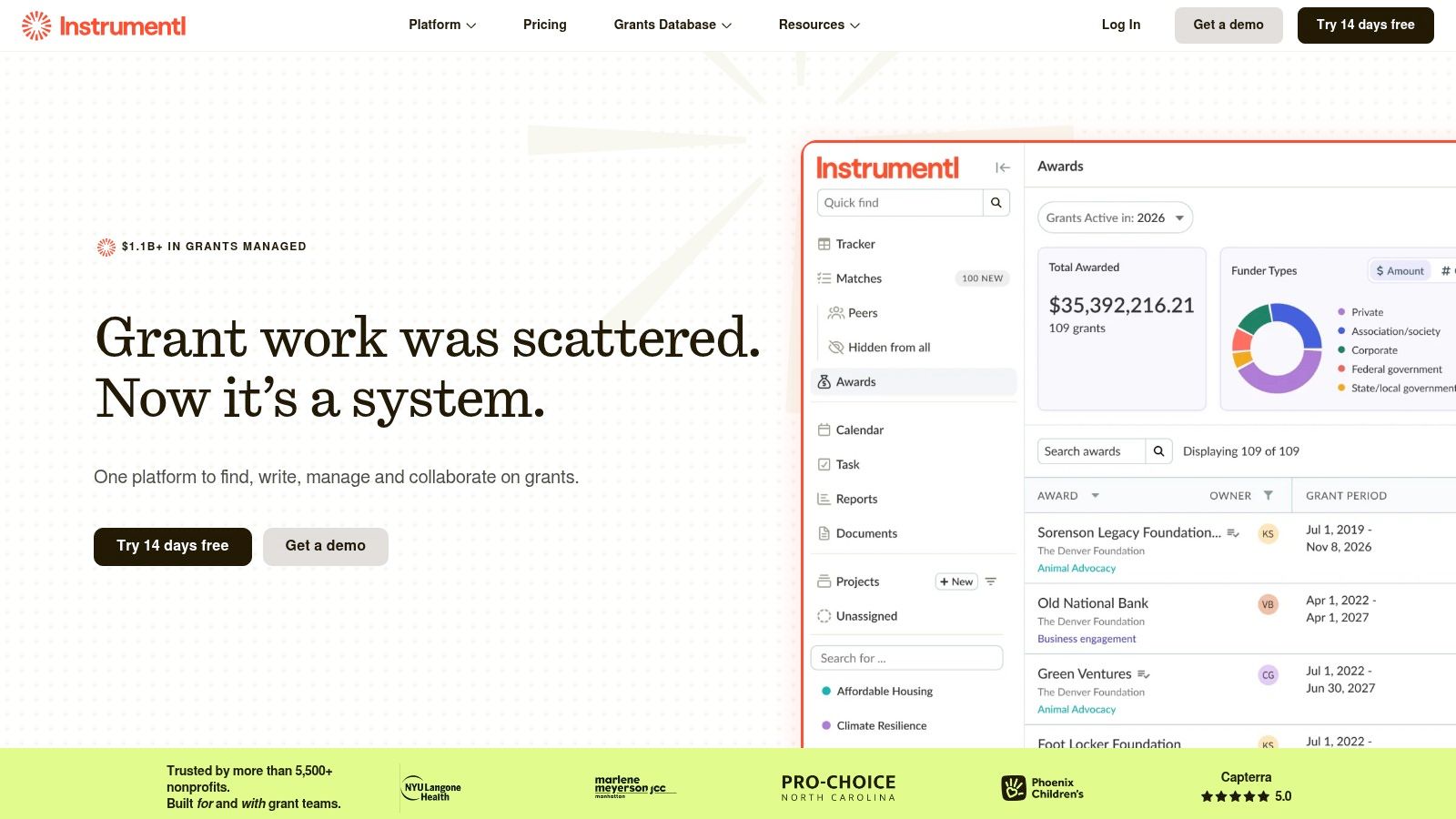
Price the tier you'd need, not the entry tier. Add up the features you'd use in a normal month and see whether the annual commitment beats two hours of your week. For a two-person team submitting fifteen or more applications a year, it often does. For a solo director submitting four, it rarely does.
3. Candid Search
Candid is the research standard for private foundations, and it's the tool to open when you need depth on a single funder rather than breadth across a market. Search by subject area, geography, and supported nonprofits, then read total giving, average grant amounts, and the organizations that look like yours.
Decision-maker research is the underrated feature here. Knowing a trustee's name and affiliation changes your letter of inquiry from generic to specific. AI-supported natural-language search and letter-of-inquiry assistance round out the current product. Candid has a free tier. Premium is $219/month, or $1,199/year, for verified non-funding organizations. Eligible small nonprofits that earn a 2026 Gold Seal may qualify for a free year of Premium through Go for Gold. Confirm current terms on Candid's site.
Pros
- Deep foundation history that no listings service matches.
- Peer-funder discovery surfaces prospects you'd never think to name.
- Free tier plus discounts for eligible small organizations.
Cons
- Paid access gets expensive at the levels researchers need.
- Research, not workflow. No pipeline, no deadline engine, no application tracking.
- Product naming and access terms keep shifting, so confirm current arrangements before budgeting.
For a walkthrough of reading a funder's record properly, see this guide to the foundation grant database. The skill it teaches outlasts any subscription.
4. GrantStation
GrantStation is the value play: a grantmaker database paired with genuine education. If you're building grant capacity from scratch, the tutorials, articles, and proposal guidance bundled with the subscription do real work alongside the search.
Coverage spans private funders and U.S. federal opportunities, and the site lists a newsletter in its navigation. GrantStation's membership page currently offers one year at $199 (two years at $299). Its discounts page lists regular pricing as $699 for one year. Partner and promo prices change, so confirm the price on the day you buy. There is no free trial.
Pros
- Low annual cost among the tools with meaningful funder coverage.
- Learning materials included, which matters if nobody on staff has formal grants training.
- More than one funder type, federal programs included.
Cons
- No end-to-end tracking comparable to Instrumentl or Grant Frog.
- Prospects still need eligibility checks against current funder guidelines.
- Partner discounts vary, so confirm the actual membership cost before budgeting.
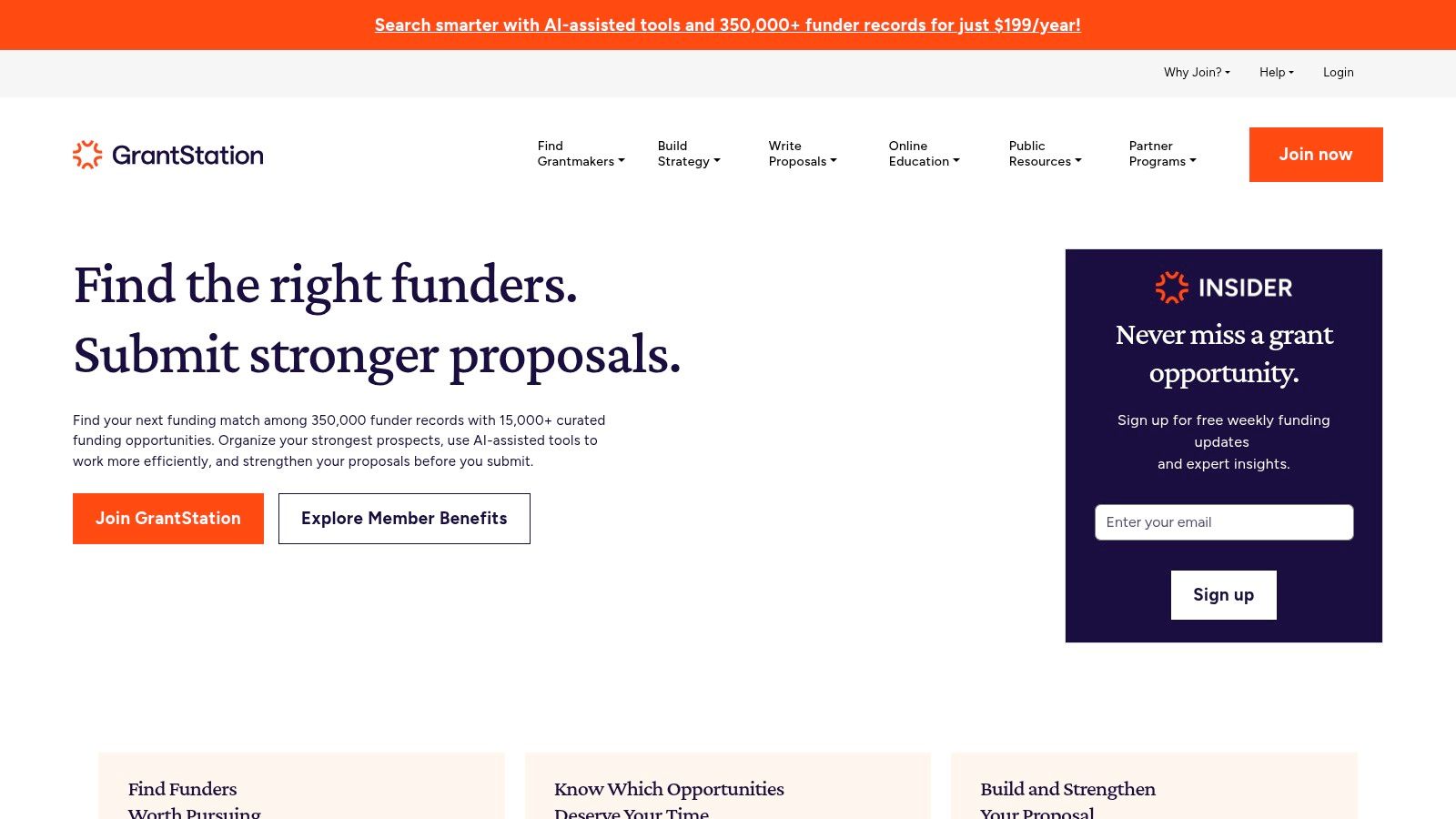
GrantStation suits a nonprofit that needs grant search and grant education in the same subscription. A small shop training its first grant writer gets more from this pairing than from a platform that assumes the skills already exist. Once the pipeline matures and eligibility screening becomes the bottleneck, a scored platform earns its higher cost.
5. GrantWatch
A proposal deadline lands in a few weeks and you want one last sweep for opportunities your prospect list missed. That is the job GrantWatch does well: a broad listings service that aggregates open funding across nonprofits, schools, businesses, researchers, and other applicant types, sold on short billing terms so you can subscribe for a sprint and cancel when it ends.
The short terms are the actual feature. A brief subscription timed to a real deadline lets you test the service without paying for months you will not use.
Pros
- Short commitments let you test the service against one real deadline.
- Broad category coverage across applicant types, not just 501(c)(3)s.
- Low-cost entry compared with the full-lifecycle platforms on this list.
Cons
- Volume without screening. You'll do the eligibility work yourself, listing by listing.
- Verify against funder materials before trusting any listing detail.
- Subscriptions renew automatically unless you cancel under the service's terms. Calendar the cancel date the day you subscribe.
Broad listings suit a shop that already knows its target funders and needs a sweep for anything new. They punish a shop hoping the list will do the prioritizing, and a team without a screening habit will burn hours on funders it was never eligible for.
6. Grant Frog
Grant Frog connects prospect research to grant management, which is the right ambition for a growing team. Funder and grant prospecting includes foundation research and giving insights, and the same system tracks applications, deadlines, tasks, funder relationships, and reports. Document storage and automated reminders keep a three-person team from duplicating each other.
Professional is $199/month billed annually ($2,388/year), or monthly billing if you use that toggle. Every plan has a 14-day free trial. Premium is $399/month billed annually; Elite is $799. Confirm which budget, reporting, training, and migration features sit on which plan — migration is an optional fee on Professional and Premium, and included on Elite.
Pros
- Research and management in one place, so prospects flow into applications without re-entry.
- Relationship tracking that most search tools ignore entirely.
- A real trial before commitment.
Cons
- Broader than a small team needs if you only want discovery.
- Higher tiers climb steeply once you add reporting and migration.
- Check plan limits on users, records, saved searches, and storage before signing.
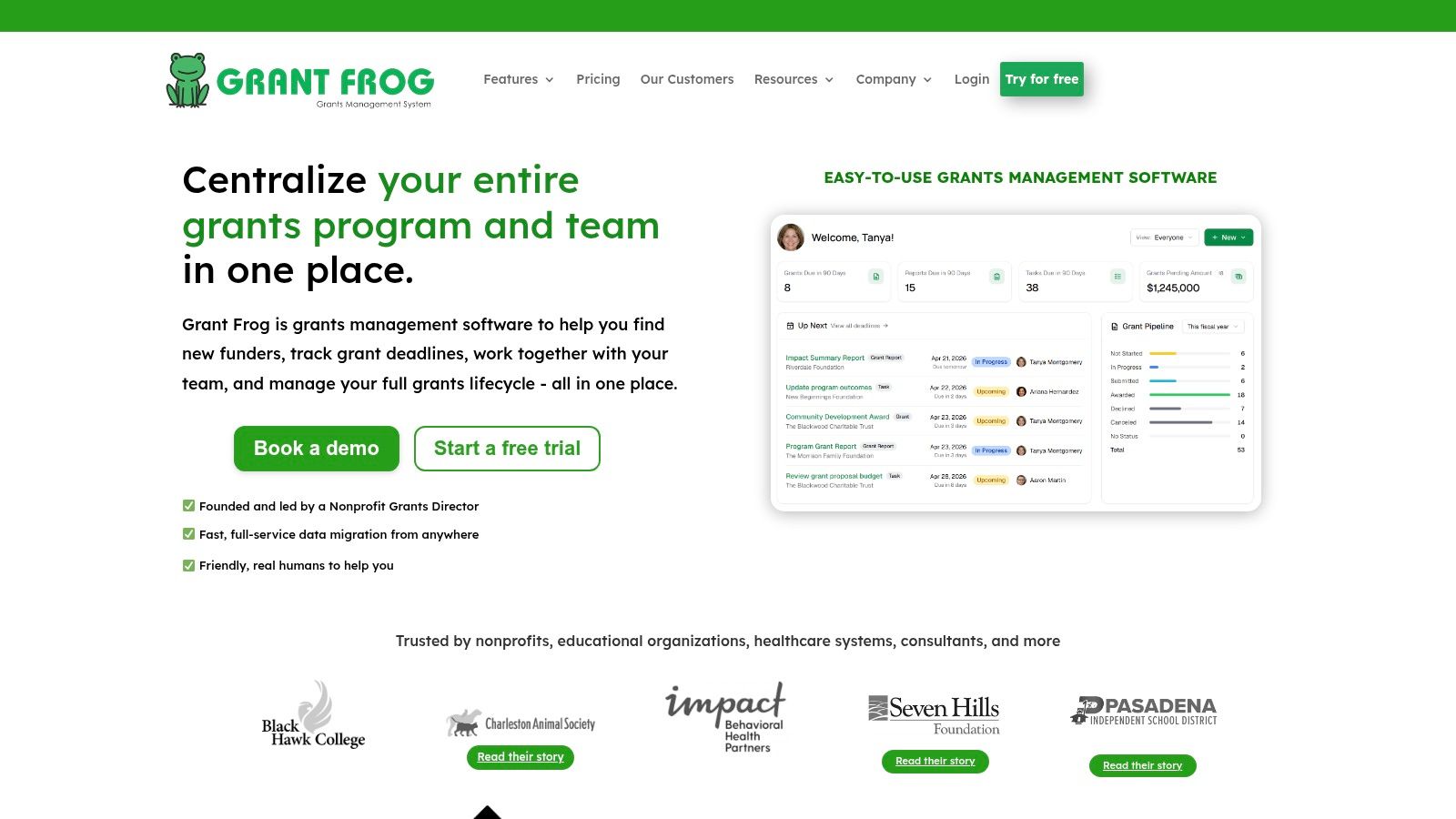
Grant Frog makes the most sense for a team that has already lost a deadline to a spreadsheet. If that hasn't happened to you yet, it probably will.
7. OpenGrants
OpenGrants is a low-cost paid entry point worth taking seriously. Plain-language search across federal, state, local, and private sources, and you can browse listings without paying. The official pricing page lists Pro at $9/month, or $8/mo billed annually, after a 7-day trial (a card is required to start the trial).
Paid access adds AI matching, saved searches, and API access for piping grant data into other systems. If you're technical and want to build on top of a feed, that API is the reason to look here.
Pros
- Entry price that a volunteer-run organization can approve.
- Natural-language search beats building boolean strings you'll never reuse.
- Multiple U.S. funding source types in one place.
Cons
- Discovery-heavy. Post-award administration isn't the focus.
- Check listings against the funder's own notice, every time.
- Matching, tracking, and API features require the paid plan, and a seven-day trial is short for judging a full grant cycle.
Use OpenGrants as a screening layer, not a system of record. Pull candidates, log them in your own tracker, and keep the subscription only while it's feeding the top of your funnel.
8. Grant Gopher
Grant Gopher aims at locally and regionally relevant calls for U.S. nonprofits, schools, and municipalities. Custom alerts fire from saved criteria and geographic filters narrow the field fast, which suits an organization whose funding base is a metro area rather than a nation.
A free semi-monthly email delivers sample listings, and the site describes a database, alerts, and research support. The paid service includes research support, so confirm current pricing and plan details on the order page before comparing it to self-serve databases.
Pros
- Local focus that national databases bury under larger opportunities.
- Custom alerts tied to saved criteria.
- A free email that costs you nothing to evaluate.
- Resource center and letter-of-inquiry tool for organizations without a dedicated researcher.
Cons
- Research support changes the model. You're partly buying a service, not just access.
- Pricing needs direct confirmation rather than an assumption from a review.
- Shallow historical foundation analysis. Pair it with a 990-based tool for depth.
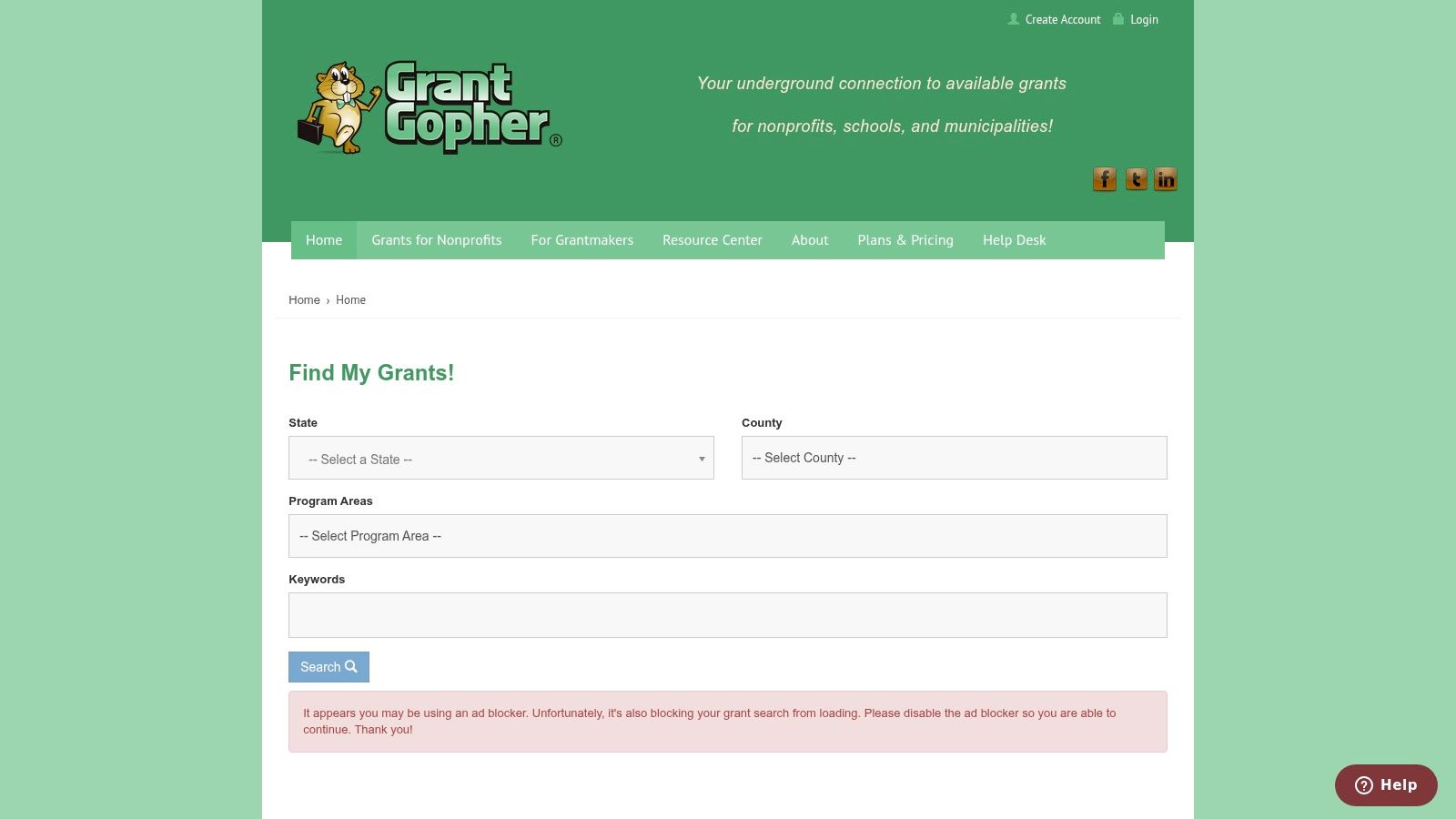
Community-based organizations serving a single county or city often get more usable leads here than from a national platform because the geographic filter does the work that a national index leaves to you.
9. Grantmakers.io
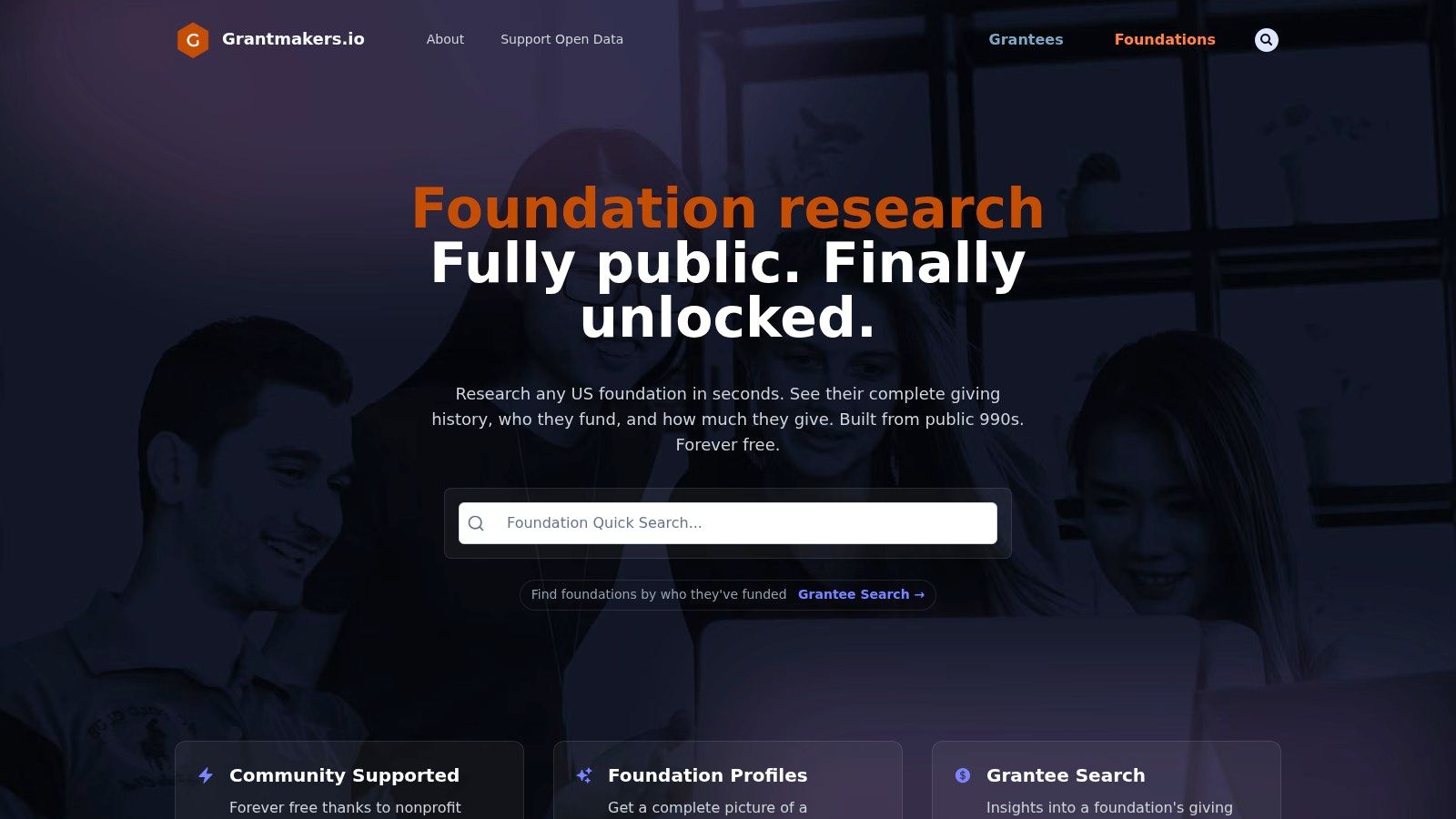
Grantmakers.io is free, needs no subscription or login, and turns IRS Form 990-PF data into searchable foundation profiles and grant records. Search a foundation, read its grantees and grant amounts, then use peer organizations' funding histories to find prospects. It's the fastest way to answer "has this foundation ever funded anyone like us?"
No cost, no gate, no trial timer. That combination is rare and worth respecting.
Pros
- Free access for organizations with zero research budget.
- Surfaces foundations with almost no public-facing web presence.
- Easier than reading individual filings one at a time.
Cons
- Limited to U.S. private foundations filing Form 990-PF.
- Historical data, not open opportunities. Nothing here confirms a foundation is accepting applications.
- No pipeline, no deadlines, no alerts. It's a research layer only.
Set expectations correctly. Filing data is annual and incomplete, so a foundation can look inactive because recent grants are missing or delayed in the source records. In a 2024 regulatory submission, Candid reported that billions of dollars in private-foundation grants were missing from Form 990-PF and related files. Treat any 990-derived tool as evidence rather than ground truth, and confirm current interest on the funder's own site.
For the full method, this guide on how to find foundation grants covers what to look for in a filing and what to verify outside it.
10. Grants.gov
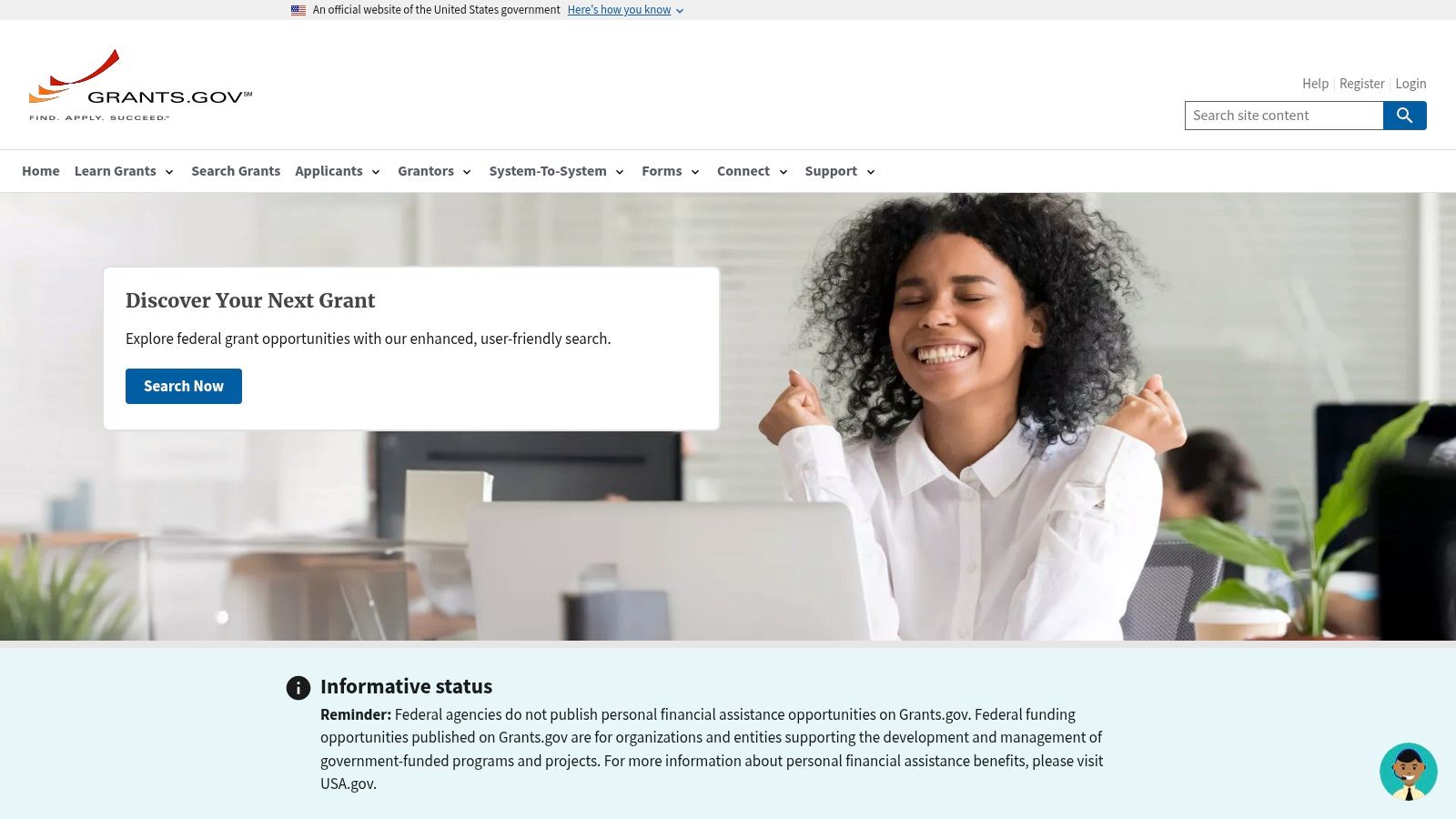
A federal pursuit ends on Grants.gov even if research starts somewhere else. It is the official portal for finding and submitting federal applications: search by agency, category, eligibility, and opportunity status, save the search, get notifications when matching items appear, then move into the federal application workflow. Access is free.
The trade-off is staff time, not subscription price. Federal programs are spread across agencies, applicant types, geography, and deadlines, and similar-looking notices can carry very different eligibility rules. For a small development team, the weekly job is opening the promising notices, confirming applicant type and geography, and logging the deadline before a board packet or program budget gets drafted.
Pros
- Official source for every federal opportunity.
- Free, with no tier structure.
- Saved searches and notifications support weekly monitoring.
Cons
- Federal only. No private-foundation market.
- Eligibility and agency materials need careful reading, every time.
- Discovery and submission stop short of portfolio management. Awards, renewals, and post-award tracking need another system.
Read the award structure before committing proposal hours. New awards and continuation funding can sit in the same results list, yet they compete differently; a notice built around existing grantees may leave little room for a first-time applicant. When the listing does not make that plain, the agency materials usually do, so check them before a weekend becomes a full draft.
For agency structure and eligibility screening, use this guide to federal grant opportunities.
Grant search platforms at a glance
| Starting price | Free option or trial | Coverage focus | Best for |
|---|---|---|---|
| $99/month | 14-day free trial; no credit card required | U.S. foundation and government grants | Nonprofits and consultants seeking matched prospects and grant workflow tools |
| Discover starts at $299/month billed annually, or $349 paid monthly | 14-day trial, no card | Grant discovery and lifecycle management | Teams needing integrated search and grant tracking |
| Premium $219/month, or $1,199/year | Free tier; eligible small nonprofits may qualify for Go for Gold | Private foundation research and giving history | In-depth funder research and peer prospecting |
| Currently $199/year on the membership page (regular price $699/year) | No free trial | Private funders and U.S. federal opportunities | Nonprofits seeking lower-cost search plus learning resources |
| Plans start at $22/week, or $49/month or $249/year | Free demo and a free account with archived listings | Cross-sector funding opportunities | Users seeking broad listings and short subscription terms |
| $199/month, billed annually | 14-day free trial | Funder prospecting and grant management | Teams managing applications, relationships, and awards |
| $9/month, or $8/mo billed annually | Free browsing; 7-day trial (card required) | Federal, state, local, and private funding | Budget-conscious users seeking grant discovery |
| Pricing not specified | Free semi-monthly email | U.S. grants for nonprofits, schools, and municipalities | Organizations seeking local opportunities and alerts |
| Free | Free basic access | U.S. private foundations and historical grants | Free foundation prospect research |
| Free | Free to use | U.S. federal grant opportunities | Applicants seeking and applying for federal grants |
Choosing a Platform and Putting It to Work
Match the tool to your size and budget, not to a feature chart. A volunteer-run organization with no research budget should run Grantmakers.io for foundation history and Grants.gov for federal opportunities, and spend nothing. The trade-off is real: free tools hand you raw listings, and the screening, deadline tracking, and weekly triage stay on your desk. A shop that searches occasionally and needs a sweep before a deadline gets more from GrantWatch's short terms or OpenGrants at $9 a month than from any annual platform.
Teams that need screened shortlists rather than raw lists should buy fit scoring. A scored, explained match changes your week: fewer prospects, each with a reason you can check. Full-lifecycle suites like Instrumentl and Grant Frog earn their price when several people touch the same pipeline and deadlines slip between them. In a one-person shop that coordination layer mostly sits unused.
Here's the implementation sequence I'd follow, whatever you buy.
- Build the profile properly. Paste your website and EIN, then correct everything the tool inferred. Add your actual program descriptions, counties served, annual budget, and typical ask size. A bad profile produces bad matches no matter how good the engine is.
- Run one broad initial screen. Don't filter yet. See what the raw matching produces, then read ten results and check whether the reasons reference your real work.
- Check the giving history behind the score. Look at each funder's past grantees and median grant size before shortlisting. Community foundations and other charities often list only grants over $5,000, so their median figures read high.
- Layer in hard exclusions. Invitation-only funders, states you don't serve, awards above your management capacity. Set these as saved rules so they hold across search, matches, alerts, and the weekly digest.
- Set deadline alerts with a buffer. Two weeks before the deadline is the standard internal cut-off. Anything that lands inside seven days needs a decision that week.
- Review weekly, at a fixed time. Thirty minutes every Monday. A tool you check monthly is a subscription, not a system.
- Prune quarterly. Kill searches that produce nothing usable and funders you've ruled out, so the digest stays short enough to read.
Run a fair trial before committing. Most of these platforms offer some free way in, whether a trial, a free tier, or open browsing. Use the first days to build a profile and run one screen, the middle stretch to shortlist, and the last days to measure: how many prospects survived manual review, how long the shortlist took, and what share you deleted for geography, applicant type, or size mismatch. Compare that against your current manual process using the same week's hours.
Watch annual-billing discounts closely, since the headline monthly rate often assumes a yearly commitment you can't exit. The mechanics are worth understanding before you sign, and hidden costs in annual billing discounts is a useful primer on what to check in the terms.
Grantlas is a reasonable benchmark for the scored-discovery category. It gives each match a Fit score out of 100 plus a plain-English reason, flags invitation-only funders, geography mismatches, and grants outside your range before you write, and searches its national index without caps or credits. You can also type a plain-English query instead of building filters. Test it against a week of your own manual work and see whether the shortlist holds up.
The best software is the one your team will open every Monday. Everything else is a database with a login.
If reading 990 filings at 9 p.m. is still your Monday routine, Grantlas is built to replace it. Paste your website or EIN and you'll get a ranked shortlist of foundations and open grants, each with a Fit score, a plain-English reason, and red flags raised before you start writing. Start a trial at Grantlas with no card required and see what your week looks like with a screened list instead of a search box.