Use Grantlas in Claude
Ask Claude about funders and grants and get answers from Grantlas, with your Fit on each. Claude can also update your tracker, saved searches and deadline reminders for you. You need a Grantlas account and any Claude plan. Setup takes about two minutes.
Then ask things like
- “Find Colorado funders for food banks that take unsolicited proposals.”
- “Show federal grants for rural health closing in the next 60 days.”
- “Which funders give to organizations like ours?”
- “What's new this week, and what's due in the next 30 days?”
- “Move that foundation to LOI and note that we sent it today.”
Step 1: Add Grantlas in Claude
In Claude, open Settings → Connectors and choose Add custom connector. Name it Grantlas, paste the link and choose Continue. Leave Sign in now and Use Claude's published identity selected, then choose Add.
Open Claude connectors (opens in a new tab)Step 2: Connect and sign in
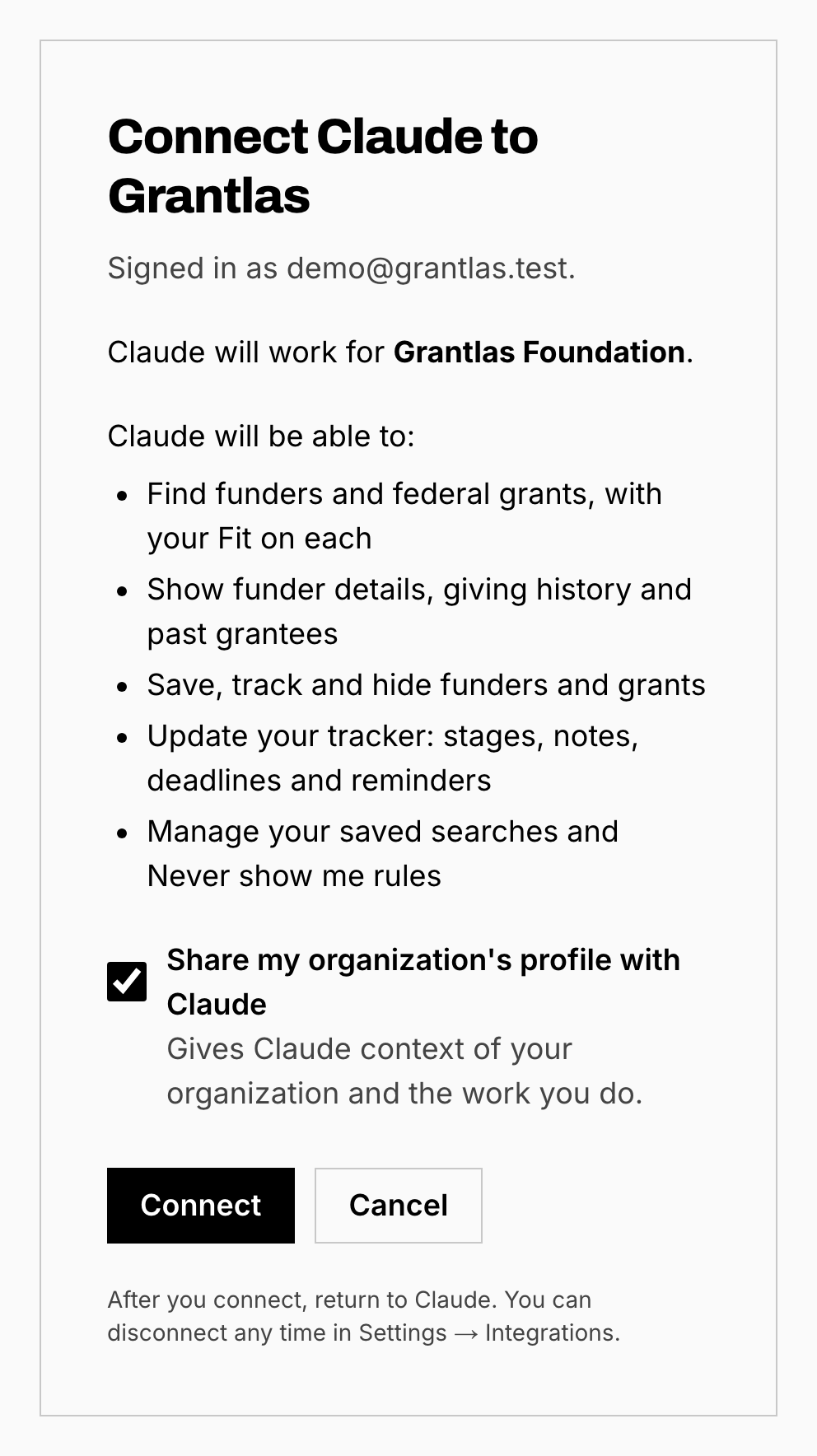
Choose Connect next to Grantlas. In the Grantlas window, sign in and choose Connect.
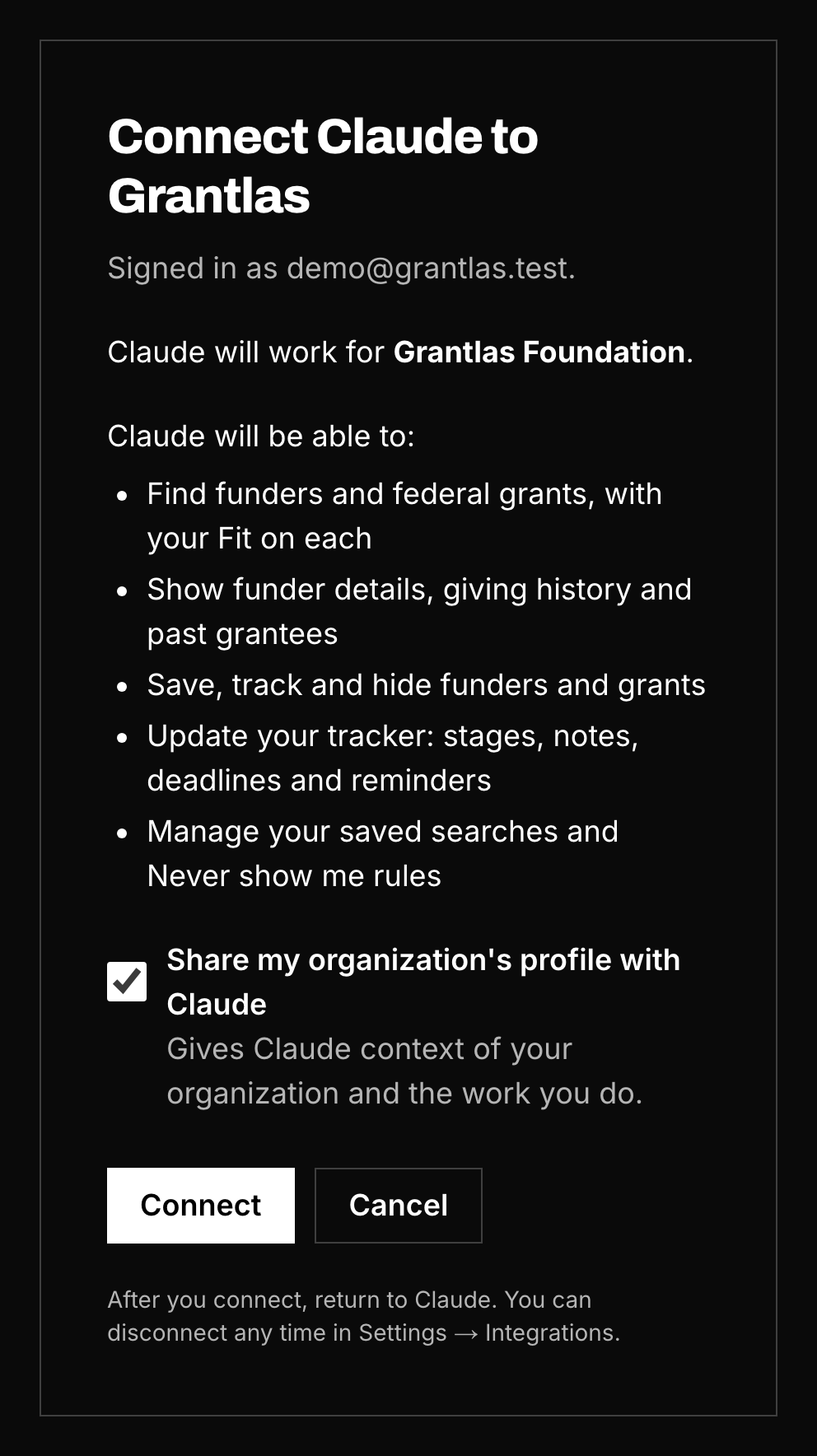
Step 3: Turn it on in a chat
Open the + menu, then Connectors, and switch on Grantlas. The first time Claude uses each Grantlas tool, it asks your permission.
Step 4: Ask
Find funders and grants
- “Find Colorado funders for food banks that take unsolicited proposals.”
- “Show federal grants for rural health closing in the next 60 days.”
- “Which funders give to organizations like ours?”
- “Pick up my last search, then save the first three.”
Keep your work up to date
- “What's new this week, and what's due in the next 30 days?”
- “Move that foundation to LOI and note that we sent it today.”
- “Save this grant search and email me when new grants match.”
- “How can I get better matches?”
Don't see these in Claude? Go to Settings → Connectors → Grantlas → ⋯ → Refresh tools list.
Several clients?
One connection covers every client in your account. Say which one (“switch to Lone Star”, “what’s due for TGF?”). Grantlas tells Claude which client each result is for. Set a nickname in Settings → Organization, or ask Claude to set one.
Using Claude through work (Team or Enterprise)? Whoever manages Claude adds Grantlas once. Then you only need steps 2 to 4.
- Manage or disconnect Claude in Grantlas under Settings → Integrations.
- Use ChatGPT? Grantlas works there too, in beta: Use Grantlas in ChatGPT.
New to Grantlas? Start your 7-day free trial, then come back to connect Claude.
Start your free trial