Free Grant Databases: 10 Resources Worth Your Time
Nov 15, 2026 · 14 min read

A food security nonprofit with two development staff gets a board email on a Tuesday. The annual fund is behind, a program grant sunsets in June, and the question is blunt. Which foundations do we ask, and by when? There's no line item this quarter for a research subscription, and probably not next year either.
That's the situation free grant databases exist for. The useful question isn't whether free tools match paid ones. It's which free sources produce usable leads, what each one covers and refuses to cover, and how to run several of them together into something that resembles a pipeline.
One limitation applies to almost all of them. Free sources mostly show what a funder gave in a past year, or what a program is designed to do. Very few show a live application window that is open today with a deadline you can plan around. Treat every free record as evidence to verify, not as an invitation to apply.
The ten resources below are sorted by the job they do.
- Open federal opportunities: Grants.gov, Simpler.Grants.gov, SAM.gov Assistance Listings, USAspending.gov.
- Foundation prospect research: Grantmakers.io, Candid's free-access search, IRS TEOS, ProPublica Nonprofit Explorer.
- Local funder discovery and try-before-you-pay search: the Community Foundation Locator and Grant Gopher.
Open the ones that match the task in front of you rather than working through the list in order.
Table of Contents
- 1. Grants.gov
- 2. Simpler.Grants.gov
- 3. Grantmakers.io
- 4. Candid's free-access search
- 5. Grant Gopher
- 6. SAM.gov Assistance Listings
- 7. IRS Tax Exempt Organization Search (TEOS)
- 8. ProPublica Nonprofit Explorer
- 9. Community Foundation Locator
- 10. USAspending.gov
- Free Grant Databases at a Glance
- Building a Funding Search That Actually Pays Off
1. Grants.gov
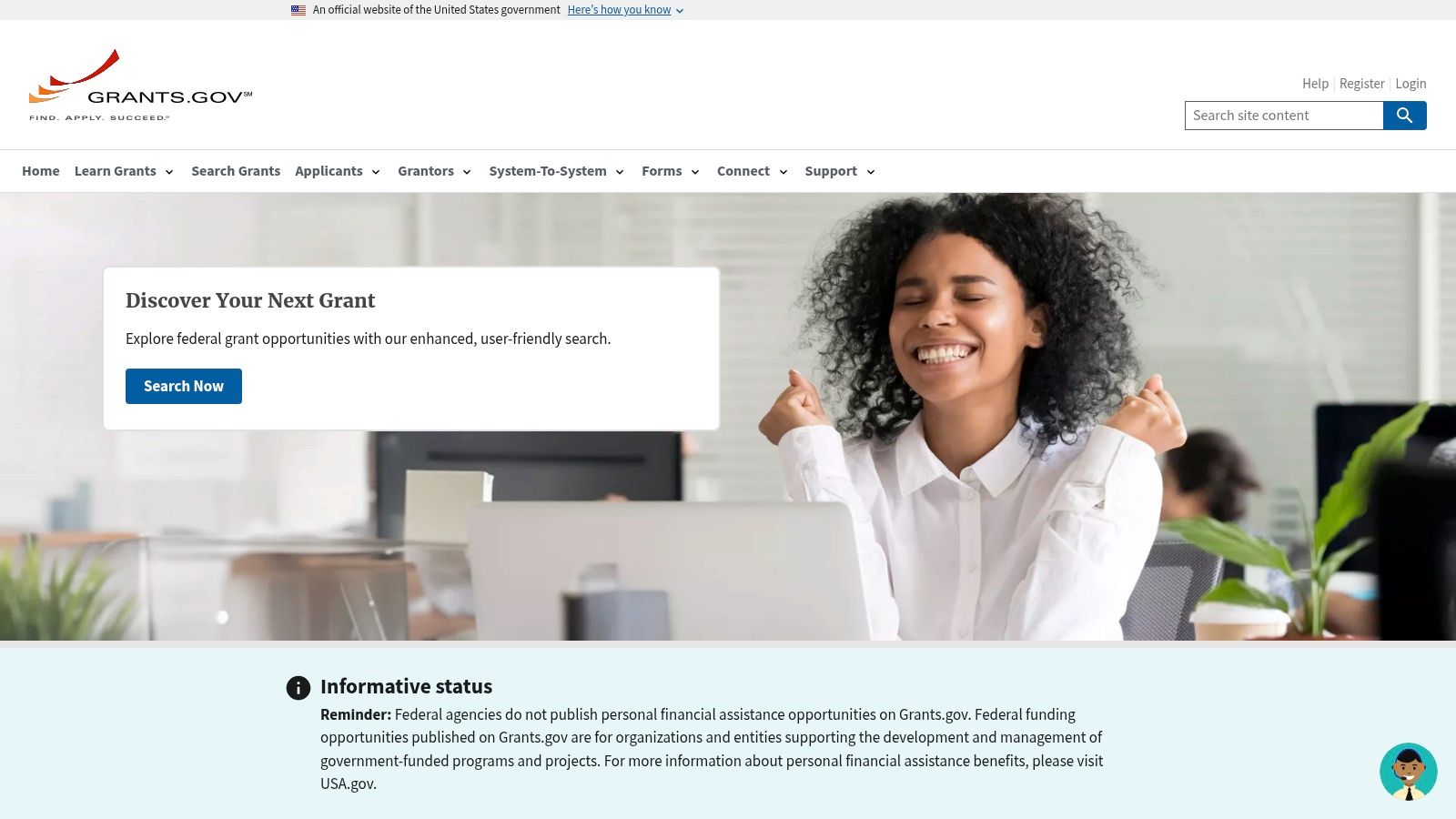
Grants.gov is the first tab I open when the money I need is federal, and the only place where discovery and submission live in the same system. Search by keyword, agency, eligibility, funding instrument, or opportunity status. Save a search and the portal emails you when something new posts. Forecasted opportunities let you plan a quarter or two ahead instead of reacting to whatever appeared this week.
Eligibility comes from the notice, not your tax letter
Nonprofit status alone qualifies you for nothing. Grants.gov's eligibility guidance names both 501(c)(3) nonprofits and nonprofits without 501(c)(3) status as possible applicant categories, then splits applicants further into public and private institutions of higher education, state governments, county governments, city or township governments, tribal governments, and special districts. Each Notice of Funding Opportunity controls the final determination.
That detail changes how you filter. A list that tags everything "nonprofit eligible" will hand you opportunities you cannot legally submit, and you'll find out after you've read 40 pages.
- What works: free access to every open federal opportunity, agency-wide filters, and email notifications that keep a saved search alive between busy months.
- What doesn't: the portal covers federal funding only. Private foundations and most local programs are invisible here.
- Registration is separate work: SAM.gov registration and a UEI take time before you can submit anything, and a listing never means you're competitive.
If you're new to federal money, the steps between finding an opportunity and filing a credible application are covered in this guide to getting a federal grant.
2. Simpler.Grants.gov
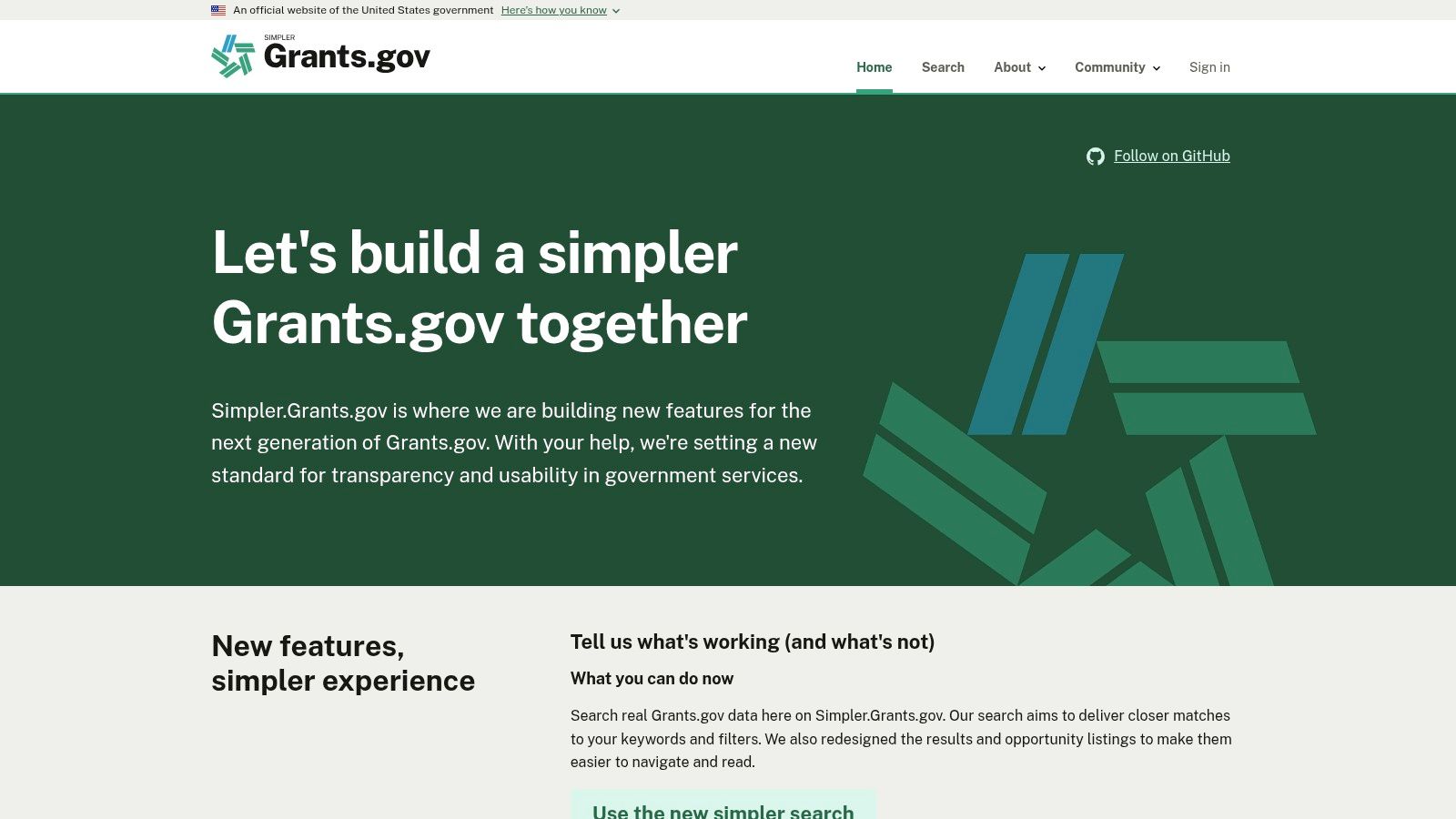
Same federal dataset, better search box. Simpler.Grants.gov is a redesigned interface over real Grants.gov opportunity data, and it reads like a search product built this decade rather than a government form. Filter by status, funding instrument, eligibility, and agency. Keyword search is tuned to return closer matches, and the results page shows enough of each opportunity that you can triage without opening six tabs.
I reach for it when I know roughly what I want and the classic interface is fighting me. I go back to Grants.gov when I need the full notice, the attachments, and the application package.
The deadline does not move because the search got nicer
Whichever interface you use, the closing time is a hard cutoff. One Grants.gov opportunity notice states that electronic applications must be submitted no later than 11:59 p.m. Eastern Time on the listed due date, and that applications received after the deadline will not be reviewed or considered for an award. The same notice warns that preparing an application may take several weeks.
- What works: fast discovery, clean filters, and a nonprofit eligibility filter that saves clicking.
- What doesn't: the tool is still being developed, and some application steps send you back to the main portal anyway.
- Verify before you commit: read the official notice and the agency's own instructions. A tidy results card is not the source of truth.
3. Grantmakers.io
The scale problem comes before the tool choice. The USDA's rural philanthropy report identified an average of approximately 75,242 active grantmaking organizations per year from 2014 to 2021, distributing about $116 billion annually, or roughly $1.5 million per grantmaking organization. Nobody works through that universe by hand, which is why ranking matters more than raw volume.
Grantmakers.io is a free research tool built from IRS Form 990-PF filings. It gives you foundation profiles, historical grants, and the recipient lists behind them, with no paywall and no account. For local prospect research it's often the fastest route from a name to a giving pattern.
What a filing proves and what it does not
A grant record proves money moved. It does not prove the funder is accepting proposals, has a process for unsolicited requests, or will consider an organization outside its historic footprint.
Practical rule: a foundation that has given in your metro for years but never outside it is a local prospect, not a national one. The filing tells you which, if you read the recipient addresses instead of the mission statement.
- What works: free, no login, and strong at surfacing small family foundations that never appear in curated directories.
- What doesn't: it covers U.S. private foundations that file Form 990-PF. Community foundations, corporate giving programs, and other grantmakers fall outside that boundary.
- Interpretation is on you: filings are technical, and the tool won't tell you what a trust's distribution rules mean for your chances.
4. Candid's free-access search
Candid holds the deepest funder dataset in the field, and it's the tool where access terms matter as much as coverage. Candid's data documentation reports a database covering more than 1.9 million organizations, approximately 3 million annual grant transactions, and about $180 billion in annual grant dollars. Records carry core fields such as funder name, recipient name, location, fiscal year, and grant amount, which is what makes sorting by geography or subject area possible at all.
Free access usually comes through a partner location or a promotion for eligible nonprofits, so confirm the current terms before you build a week around it.
Check the access terms before you plan around it
The historical limitation is lag. Annual Form 990 and 990-PF information can take months, and in some cases far longer, to reach the database, and complete U.S. grants data for a given year lands well after that year ends. Candid fills the gap with funder-reported information, so products update daily even when the underlying filings are old. A missing recent grant in a funder profile means the filing hasn't posted yet, not that the funder stopped giving.
- What works: funder and nonprofit research at real depth, plus grantseeking classes and learning resources in the same place.
- What doesn't: free access may mean an in-person visit at a partner site, or eligibility for a specific promotion, and features vary by offer.
- Not a deadline list: even full access is a research library, not a calendar of open rounds.
Candid tells you who funds work like yours, where, and at what size. For turning that long prospect list into a ranked shortlist, the workflow in these foundation research tools picks up where Candid's records stop.
5. Grant Gopher
Grant Gopher is where I'd send a solo grant writer who needs small, local opportunities and cannot buy a subscription. Grant Gopher serves nonprofits, schools, and municipalities, filters narrow the search, and the free semi-monthly email drops a sample of current opportunities into your inbox. A Lite membership and paid tiers add database access, saved grants, and custom alerts.
The free tier is limited. Treat it as a trial and a lead source, not as your whole research operation.
Free is a price, not a total cost
Cost isn't the only number that matters. In a 2025 grantseeking survey reported by Funding for Good's review of free grant research tools, 12.5% of organizations cited difficulty finding opportunities that matched their mission, location, or program, while lack of time or staff remained the leading challenge at 19.3%. A free database that returns 200 loosely relevant matches costs you the hours you spend disqualifying them.
- What works: multiple applicant types in one search, a free email that surfaces leads without a login, and a low-cost path if you later need alerts.
- What doesn't: the useful database and alert features sit behind paid plans, and the free email is a sample rather than a pipeline.
- Verify every listing: check the funder's current guidelines before you write a word. Search results don't confirm eligibility or fit.
6. SAM.gov Assistance Listings
Assistance Listings answer a different question than every tool above. They tell you what a federal program exists to do, not what is currently accepting applications. SAM.gov Assistance Listings lets you search program descriptions across agencies, filter for active listings, review purpose and related assistance information, and download listing data.
Use it early. If you're deciding whether your work fits a program area at all, this is faster than reading solicitations.
A listing is a map, not a calendar
The distinction is easy to blur, which is why the official portals separate them. Grants.gov's search help identifies opportunities that are posted and accepting applications as distinct from other records, and its interface filters by applicant categories including nonprofits with 501(c)(3) status, nonprofits without that status, state governments, county governments, city or township governments, and higher-education institutions.
That structure is what a program description doesn't give you. A listing may describe a grant program, a loan, or a cooperative agreement, and none of those tells you whether a competition opens this year.
- What works: official, free, and useful for identifying relevant programs before you search for announcements.
- What doesn't: listings aren't open applications, and some describe loans or other assistance rather than grants.
- Next step is manual: you'll usually continue to Grants.gov or the agency's site for application details and timing.
7. IRS Tax Exempt Organization Search (TEOS)
When you need the actual return rather than someone's summary of it, go to the source. The IRS Tax Exempt Organization Search lets you search by organization name or EIN, review tax-exempt status and available filings, open private-foundation Form 990-PF returns, and download certain tax-exempt organization data in bulk.
This is the least friendly tool on the list and the one I trust most. Nothing between you and the number.
Why the same grant can appear twice, or not at all
Machine-readable filing data is messier than it looks. A public methodology for IRS-based grant data reports 20.1 million grant lines, of which 15.2 million resolve to a recipient EIN, with the remainder needing name, address, ZIP-code, and registry matching. The same analysis identifies 71,090 duplicate-name situations affecting 561,309 grant lines across 10,473 funders, where at least one match is necessarily wrong by construction.
- What works: free, official, and unmatched for verifying a specific foundation's finances and grant list.
- What doesn't: it's a filing repository, not a matching engine. You do the reading.
- Freshness varies: availability and timing differ by organization and filing type, so an empty year may mean a late filer rather than a dormant funder.
8. ProPublica Nonprofit Explorer
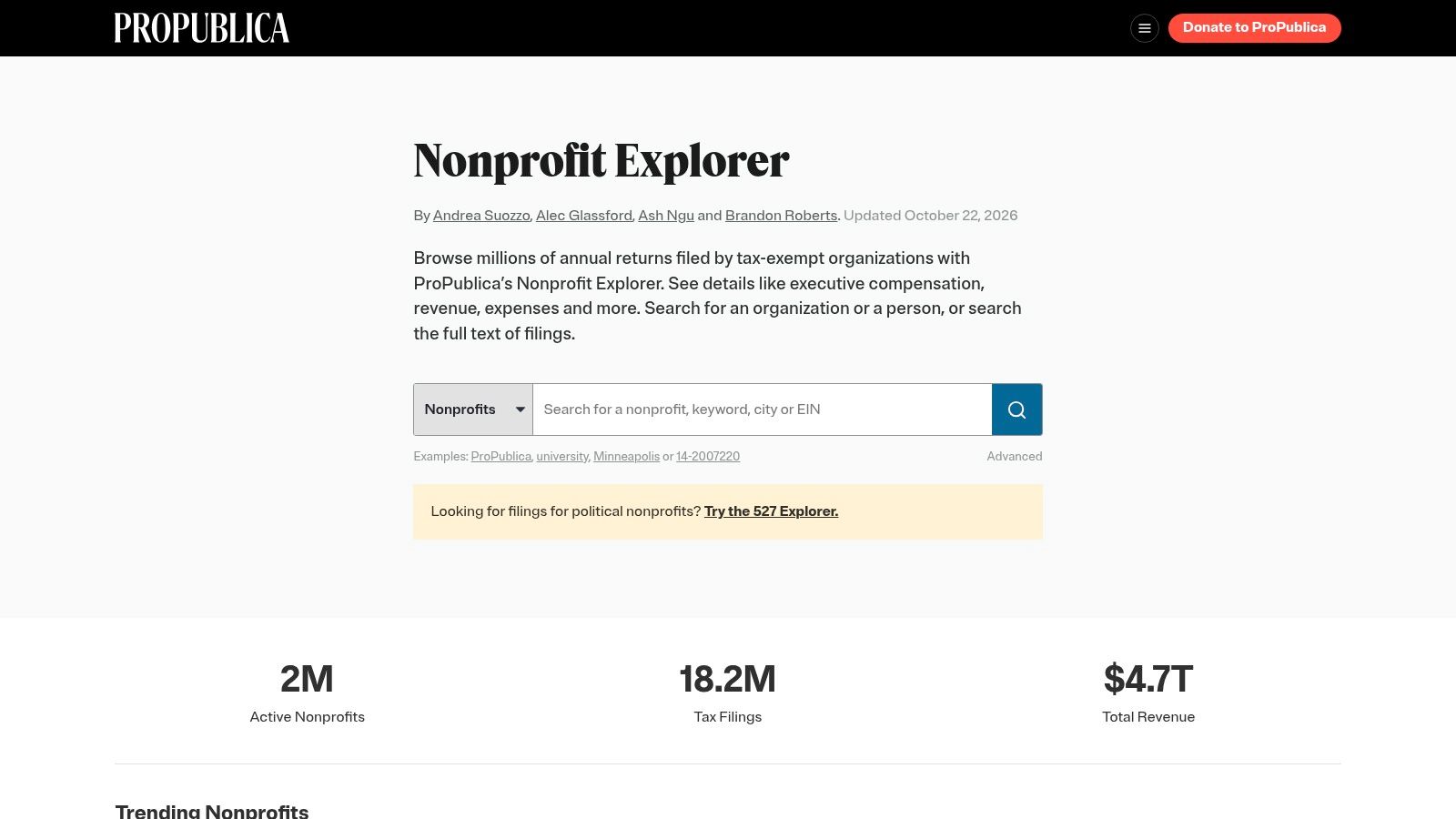
ProPublica's Nonprofit Explorer is the readable front end for the same filings, and the fastest way to put three years of a foundation's grants next to each other. Search nonprofit records and tax-return summaries, open full Form 990 documents as PDFs or in digital formats, and review financial and filing history without downloading anything.
I use it before I use anything paid. If a foundation's last three returns show the same eight grantees, that's a relationship problem, not a research problem.
Reading a foundation's last three filings
Start with the grant list in the return and look for four things. Award sizes cluster where, repeat recipients appear how often, your program area shows up at all, and new names enter the list or don't. A funder adding new grantees every year is a different prospect from one funding a fixed circle.
- What works: free access to a large collection of returns, searchable records, and digital formats that beat scrolling a scanned PDF.
- What doesn't: it doesn't curate deadlines or open rounds, and past giving says nothing about whether proposals are welcome now.
- Confirm with the funder: a return is a historical document. The current guidelines live on the funder's own site.
9. Community Foundation Locator
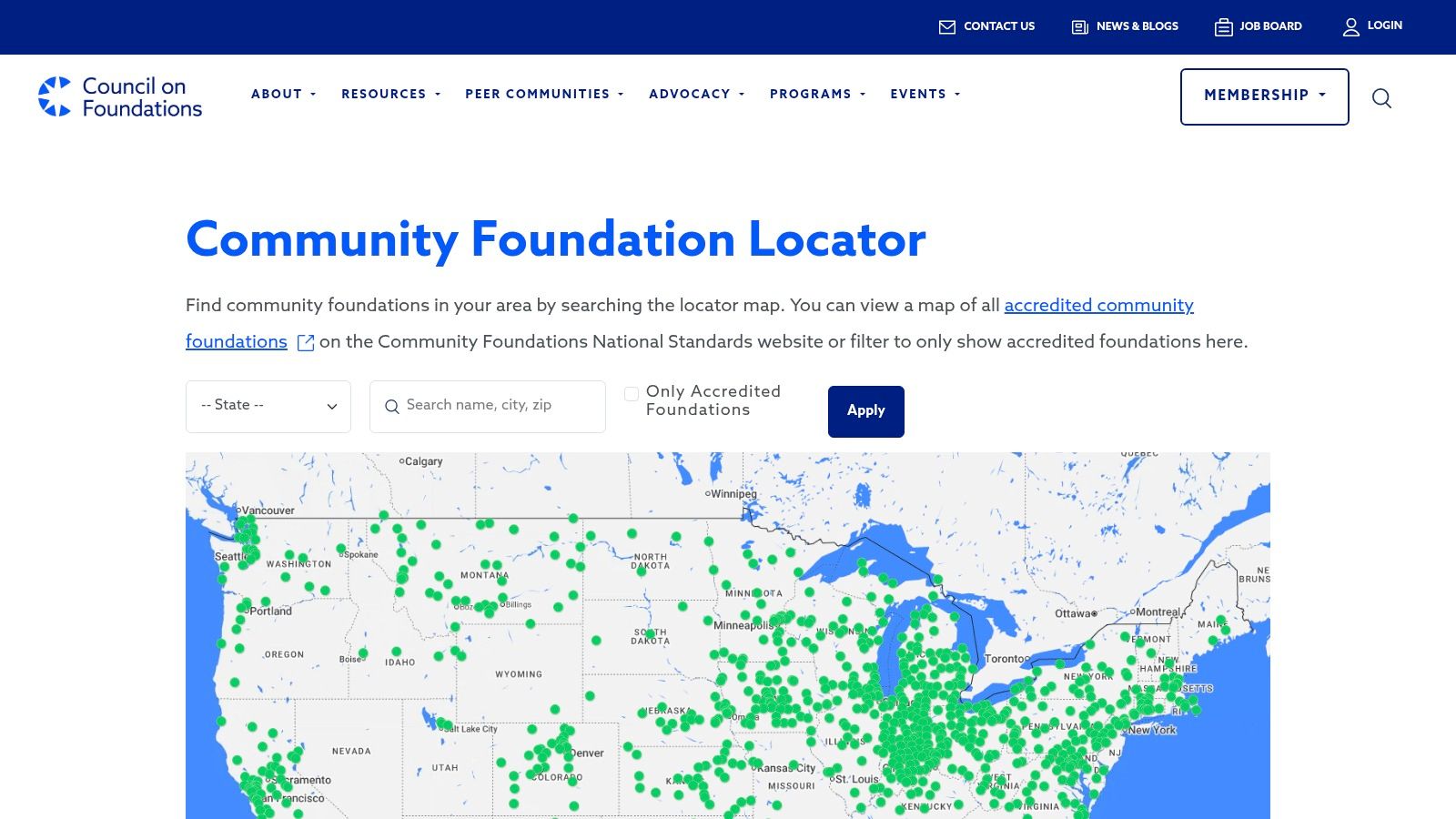
Community foundations are the funders most likely to be missing from a national search and most likely to answer a local email. The Council on Foundations' Community Foundation Locator uses a map to find them by area, shows accredited foundations through linked standards information, and gives you a starting point for researching programs, deadlines, and eligibility rules.
It's a directory, not a grant database. That's the point. Local funders rarely publish into national indexes, and a map is the honest way to find them.
What to ask before you write
Once you have a name, go to that foundation's own site and look for three pages, not one. The grant programs page for current priorities, the application process page for eligibility and deadlines, and the recent grants list for the size and type of awards they make.
- What works: free, geographic, and good at surfacing regional funders that national searches skip.
- What doesn't: it doesn't list open rounds, so every entry needs follow-up.
- Fit is not automatic: a foundation listed near you may fund a different county, or a different issue entirely.
New to this category of funder? Start with what a community foundation is and how its giving differs from a private foundation's.
10. USAspending.gov
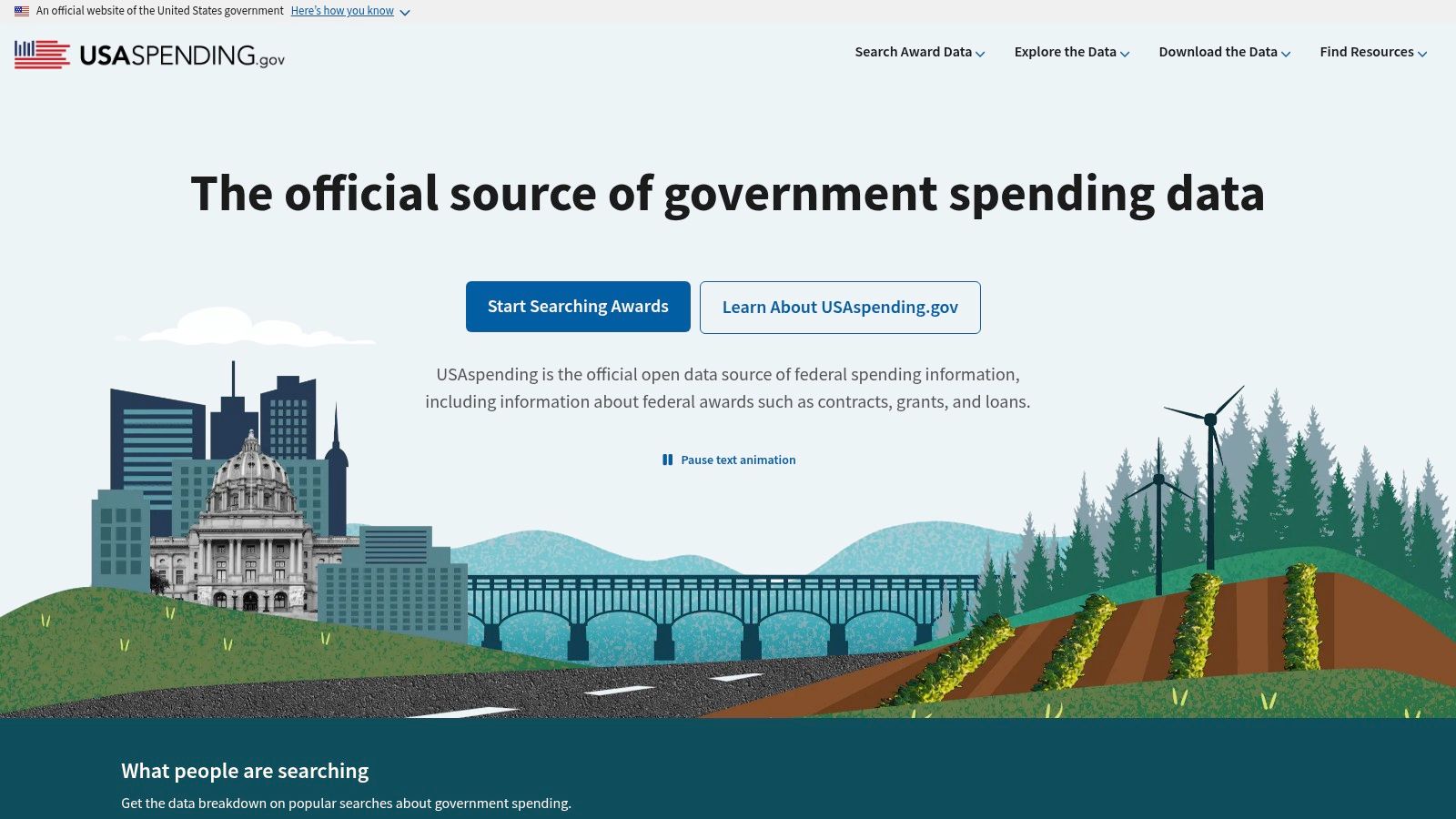
USAspending.gov shows where federal money landed. Search award and spending information, explore funding by recipient, location, and agency, and review past awards to see which organizations and places have received support. Then take what you learn back to Grants.gov.
This is a historical-awards tool. It is not a list of grants accepting applications, and it covers nothing in the private or local philanthropic world.
Finding agencies already funding your field
Search an organization you consider a peer, then look at which agencies funded it and for what. Repeat that across four or five peers and a pattern usually appears, an agency with a program officer who funds your service area, a state that passes through federal dollars, a contract category you hadn't considered. That pattern is what makes a federal search strategic rather than speculative.
- What works: official and free, and useful for understanding who gets funded and by whom.
- What doesn't: past awards don't predict another round, and records need interpretation.
- Scope limit: no private foundations, no community foundations, no corporate giving.
Free Grant Databases at a Glance
| Resource | Primary focus | Access requirements | Best for |
|---|---|---|---|
| Grants.gov | Federal grant opportunities and applications | Free; separate federal registrations may be required to apply | Finding and applying for federal grants |
| Simpler.Grants.gov | Search and discovery for federal grant opportunities | Free; some application steps may redirect to Grants.gov | Searching federal opportunities with a redesigned interface |
| Grantmakers.io | U.S. private foundations and historical grants | Free; no account required | Researching foundations and past giving |
| Candid's free-access search | Funder and nonprofit research, plus grantseeking resources | Free access may require a partner location or eligibility for a promotion | Funders research and grantseeking education |
| Grant Gopher | Grant opportunities for nonprofits, schools, and municipalities | Limited free access; some features require a paid plan | Trying grant discovery and receiving sample leads |
| SAM.gov Assistance Listings | Federal assistance programs | Free | Understanding federal programs before looking for open opportunities |
| IRS Tax Exempt Organization Search (TEOS) | Tax-exempt organization records and filings | Free; users may need to interpret filings | Verifying organizations and researching foundation returns |
| ProPublica Nonprofit Explorer | Nonprofit tax-return summaries and documents | Free | Reviewing nonprofit records and historical giving |
| Community Foundation Locator | Local and regional community foundations | Free | Finding community foundations to research |
| USAspending.gov | Federal spending and historical award data | Free | Reviewing past federal awards and funding patterns |
Building a Funding Search That Actually Pays Off
Free sources cover more of this job than many small teams assume, provided each tool is given the job it can actually do. Federal portals answer what is open now. Filing-based tools answer who has given before. Local directories answer who is nearby. Spending records answer where public money already moved. The mistake is expecting any one of them to replace judgment.
The current funding conditions reward that discipline. In the 2025 Nonprofit Finance Fund survey, 48% of respondents said grant sizes had become smaller, 30% said decision wait times had lengthened, and 29% said reporting requirements had become more onerous. Three-quarters identified raising unrestricted dollars as a challenge, including 46% who called it a major challenge.
That argues for portfolio thinking. A funder with a repeatable cadence, flexible use of funds, and a history of supporting organizations like yours is often worth more than a larger award with a deadline your team cannot staff. I would rather see five plausible fits ranked by eligibility, timing, and grant size than twenty names pulled because they looked generous once.
The workflow that works: federal first, because deadlines are fixed and public. Then filings, because they show who actually gives. Then local directories, because regional funders rarely publish anywhere else. Then verify every shortlisted funder against its own current guidelines before you write.
Free tools break down at the cross-referencing step. Reading a dozen 990s to decide which four funders deserve a proposal is slow, and it is the step small teams skip when a deadline lands. Grantlas does the same work faster. It builds a profile from your website or EIN, gives each funder a fit score with a plain-English reason and explicit red flags, and searches a national index of foundations and open grants without search caps.
Start with the free federal sources and the IRS data described here. Build one shortlist by hand so you know what a good fit looks like. If the manual step is what stops you from repeating that search every quarter, automation has earned its cost.
Grantlas turns public filings and open grant listings into a scored shortlist built from your own website or EIN, pairing each match with a plain-English reason and red flags like invitation-only status or geography mismatch. Searches are unlimited across the national index of foundations and open grants, so you can work a whole prospect list in one sitting. Visit Grantlas to build a profile and see your first matches before deciding anything.