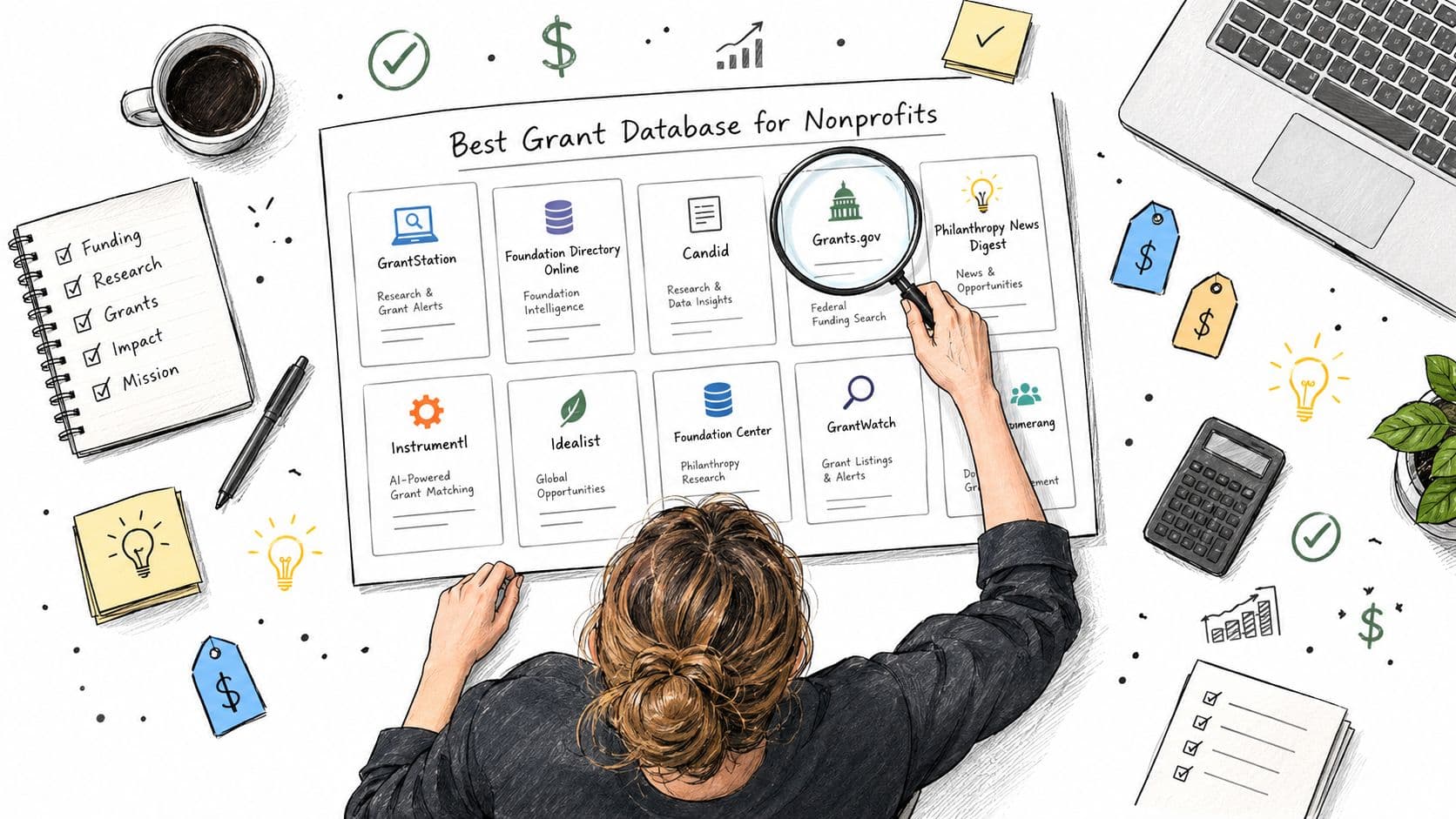
Grant Research Tools for Nonprofits: 10 Options Compared
Oct 16, 2026 · 15 min read

A small nonprofit director can spend a Monday afternoon searching three different grant portals, copying funder names into a spreadsheet, and still miss the foundation that fits the program best. One database emphasizes open opportunities, another shows historical giving, and a third expects the user to build a careful keyword profile before it returns anything useful.
That's why grant research tools can produce very different results for the same mission. They vary in coverage, data freshness, eligibility filters, match scoring, workflow support, and the amount of manual reading left to the team. The right choice depends on your organization's size, budget, staff capacity, and whether you're pursuing private foundations, federal awards, academic research funding, or a combination.
This list compares ten options across those use cases, from free federal portals to paid foundation databases and university-focused platforms. It also includes a fit-scoring method you can apply to any tool, so you can judge value by usable prospects rather than by database size alone. For teams evaluating broader discovery and visibility software, an AI search analytics platform can provide a separate view of how organizations and tools appear in AI-assisted research.
Table of Contents
- 1. Grantlas
- 2. Instrumentl
- 3. Candid
- 4. GrantWatch
- 5. GrantStation
- 6. OpenGrants
- 7. GrantForward
- 8. Pivot-RP
- 9. SPIN
- 10. Grants.gov
- Top 10 Grant Research Tools Comparison
- Matching Your Grant Research Tools to Your Organization's Next Search
1. Grantlas
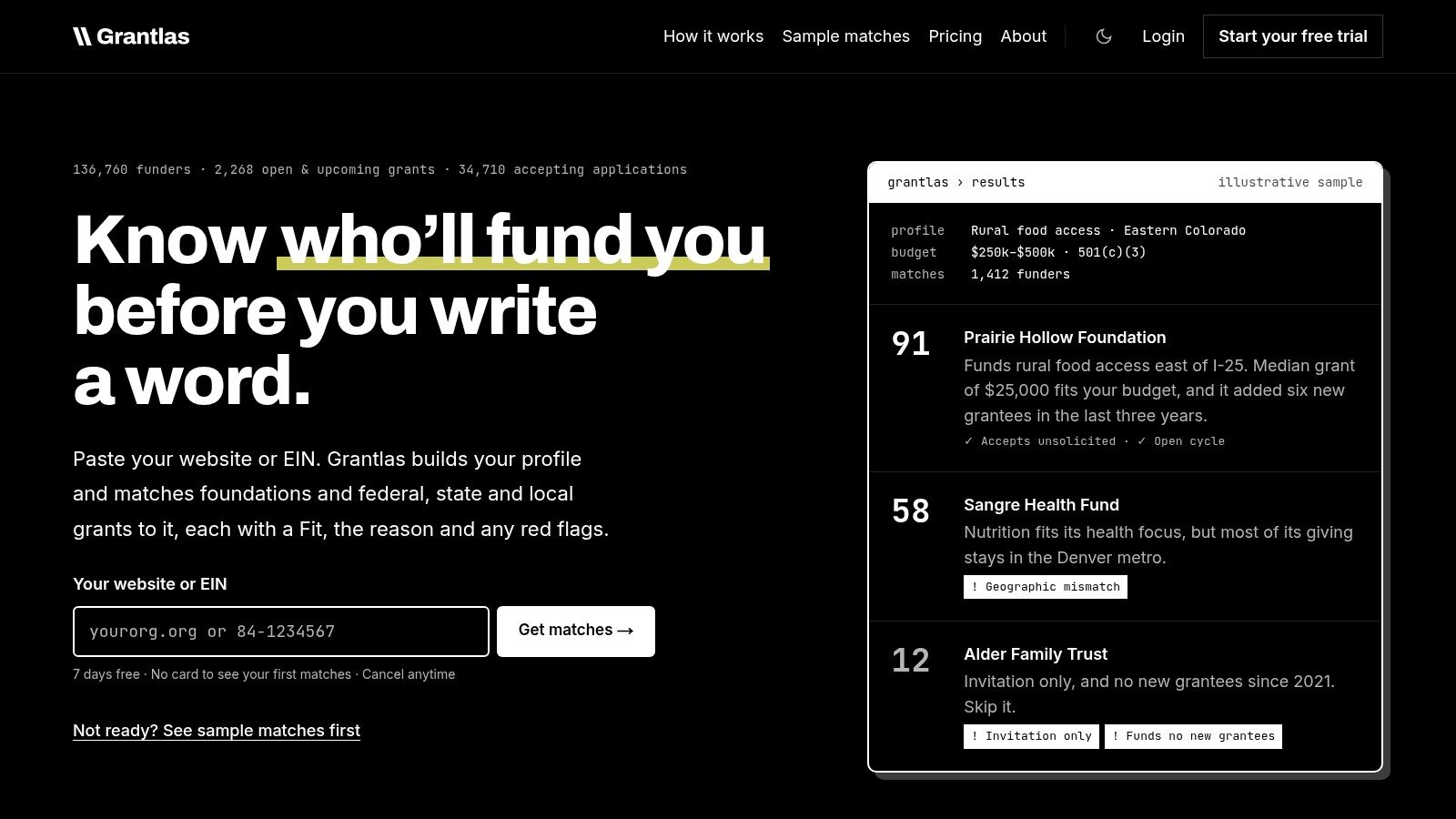
A small U.S. nonprofit with one development staff member can use Grantlas to turn a broad funding search into a ranked prospect list. Build an organization profile from a website or EIN, then review scored foundations and open grants with a short explanation of why each may fit. Coverage includes private foundations, federal opportunities, and state and local funding across all 50 states and DC.
The useful feature is the explanation behind each score. Grant writers can see potential problems such as invitation-only status, geographic mismatch, grant-size mismatch, or applicant ineligibility instead of treating a ranking as a recommendation.
Practical rule: Use a Fit score for triage, not as a decision to apply. Read the funder's current guidelines before assigning proposal work.
Where Grantlas saves time
Grantlas is most helpful when a small development team has more prospects than it can inspect manually. Giving history can indicate typical grant size, funding cadence, and whether a funder appears open to new grantees. Peer prospecting identifies funders that support similar organizations, while board and trustee listings can support a more informed outreach strategy.
Saved searches, weekly digests, and deadline reminders make discovery repeatable. Opportunities are scanned nightly, while the database is rescored monthly against saved organization profiles. Public filing data can lag. Government-derived Form 990 and 990-PF information may take six months to two years to reach research datasets, and records for a given year may remain incomplete until approximately two years after year-end, as described in Candid's data history.
Solo costs $99 per month or $999 per year for one user and one organization. Pro costs $199 per month or $1,999 per year for up to three users and ten organizations. A seven-day free trial lets teams build a profile and inspect initial matches without entering a card. Confirm the availability of API, webhook, and AI integrations before relying on them, because some capabilities remain in development or beta.
The main constraint is scale. Solo and Pro may not fit a large consulting operation or university-wide development office without add-ons or a broader commercial arrangement. Dependence on public records also reduces visibility into very new or highly private funders, though the platform can flag some invitation-only conditions.
Grantlas fits teams seeking one prospecting layer for private and public funding, with explicit fit reasoning. The trade-off is that newer or less publicly documented funders may be harder to identify.
2. Instrumentl
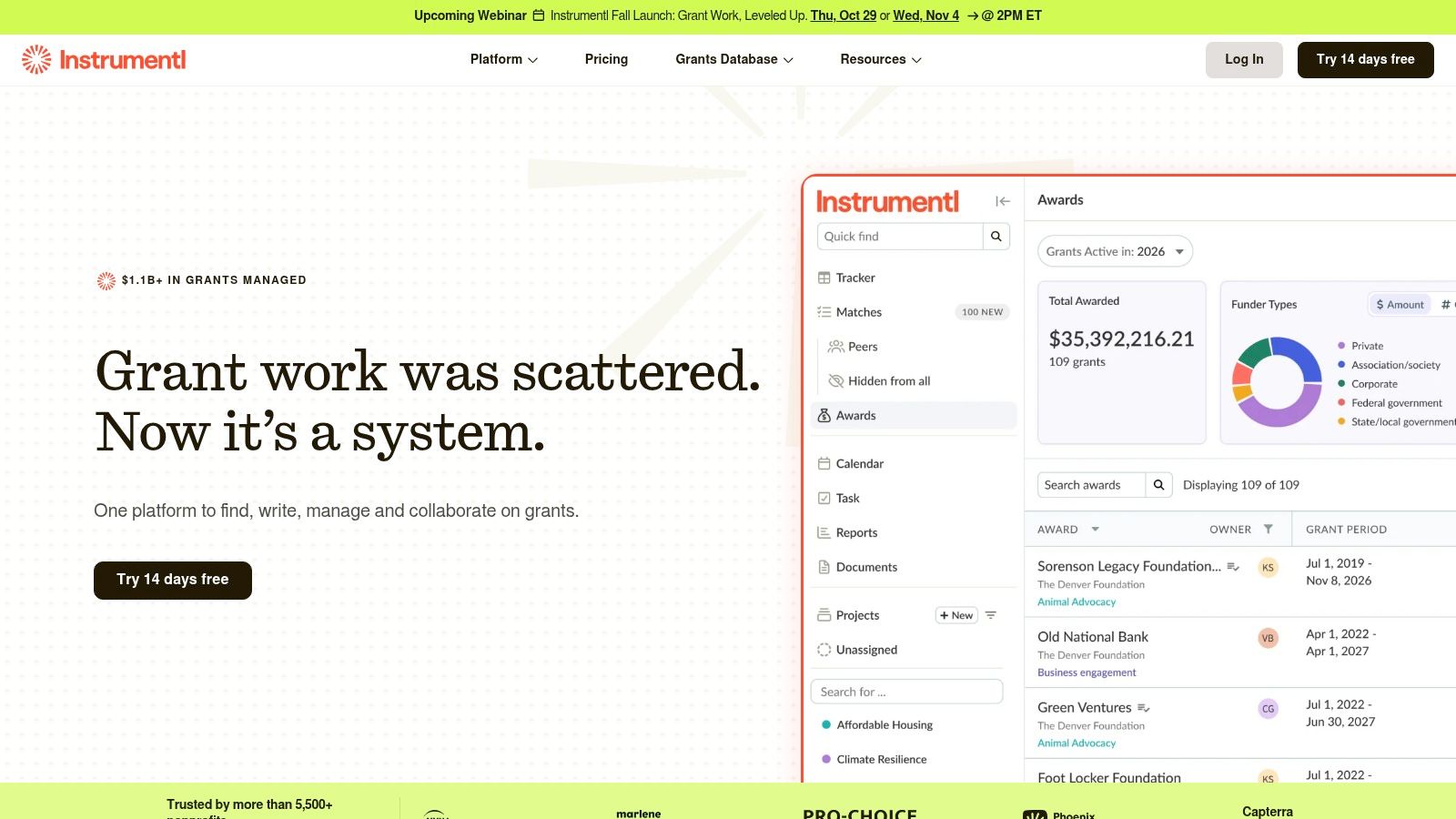
Instrumentl suits nonprofits and consultants that want discovery connected to grant workflow management. Its matching system combines project-based prospecting with funder profiles, active requests for proposals, pipeline tracking, tasks, calendars, and award administration. Higher plans add CRM and accounting integrations, along with tools for proposal drafting and post-award management.
That breadth is its strongest feature. A development director can move from a potential funder to a tracked deadline and assigned task without stitching together a separate spreadsheet, calendar, and project board. For organizations managing several applications at once, that continuity can matter more than having the largest possible directory.
The trade-off is cost and plan structure. Entry pricing is higher than several lightweight tools, and collaboration, AI writing, and full lifecycle features may require a mid-tier or premium plan. A small nonprofit that only needs occasional foundation research could pay for capabilities it won't use.
Instrumentl is a better fit when grant work is already a recurring operational process. It's less compelling when the immediate need is a short research sprint or a basic federal search. Before subscribing, test whether its match explanations identify the reasons a prospect should be rejected, not just the reasons it appears relevant.
For a deeper look at selection criteria, see this grant search tool comparison. Review the published plan comparison directly on Instrumentl, especially if multiple users, CRM connections, or award tracking are important.
3. Candid
Candid remains one of the strongest choices for detailed foundation research. Its paid offerings provide access to funder profiles, grants given and received, downloadable information, and financial details. That depth helps when a nonprofit has identified a foundation and needs to understand its giving pattern before making contact or investing in a letter of inquiry.
The platform is especially useful for answering questions that opportunity feeds often miss. Who has received support? What types of organizations does the foundation fund? Is the foundation's historical giving aligned with your geography, program area, and scale? Those answers require records, not just keyword matching.
Candid also offers a free registration tier and access through partner libraries and community locations. That can make it practical for smaller organizations that need occasional deep research but can't justify a full subscription. Paid plans add broader search access, unlimited results and profile views, an AI fundraising assistant, an LOI writer, and compliance information on higher tiers.
The limitation is affordability for lean teams and the amount of interpretation still required. A detailed profile doesn't automatically mean the funder is accepting unsolicited applications or currently prioritizes your program. Public filings are valuable historical evidence, but they shouldn't be mistaken for a current funding invitation.
Teams moving from the older Foundation Directory Online experience should also allow time to learn the current interface. This Foundation Directory Online overview explains the transition and the research role the platform serves. Visit Candid when funder history and downloadable documentation matter more than a fast, automatically ranked shortlist.
4. GrantWatch
GrantWatch is a broad U.S.-focused discovery service with human-verified listings, foundation information, recipient research, alerts, and grant management features. Its straightforward setup works well for a small team that wants to scan opportunities without committing to a complex research system.
The service's main appeal is flexibility. Short-term and lower-cost access can suit a nonprofit running a focused search around a new program, a seasonal initiative, or an immediate funding gap. That's different from buying an expensive annual database and hoping the team uses it consistently.
GrantWatch also offers AI-related features through its Intelligence system, along with pipelines and alerts. Those additions may help users organize prospects, but the token-based approach can introduce another layer to learn. Teams should understand exactly what actions consume credits before building a regular workflow around them.
The bigger question is depth. GrantWatch can be useful for finding possibilities, but a listing doesn't replace checking the official funder page, applicant requirements, award history, and current deadline. Peer opinions vary on how much detail it provides compared with higher-priced databases, so test it with your own mission and geography.
GrantWatch is a reasonable choice for a quick, budget-conscious scan. It's less suitable as the sole research source for a complex multi-year fundraising strategy unless your team is prepared to validate each serious prospect independently.
5. GrantStation
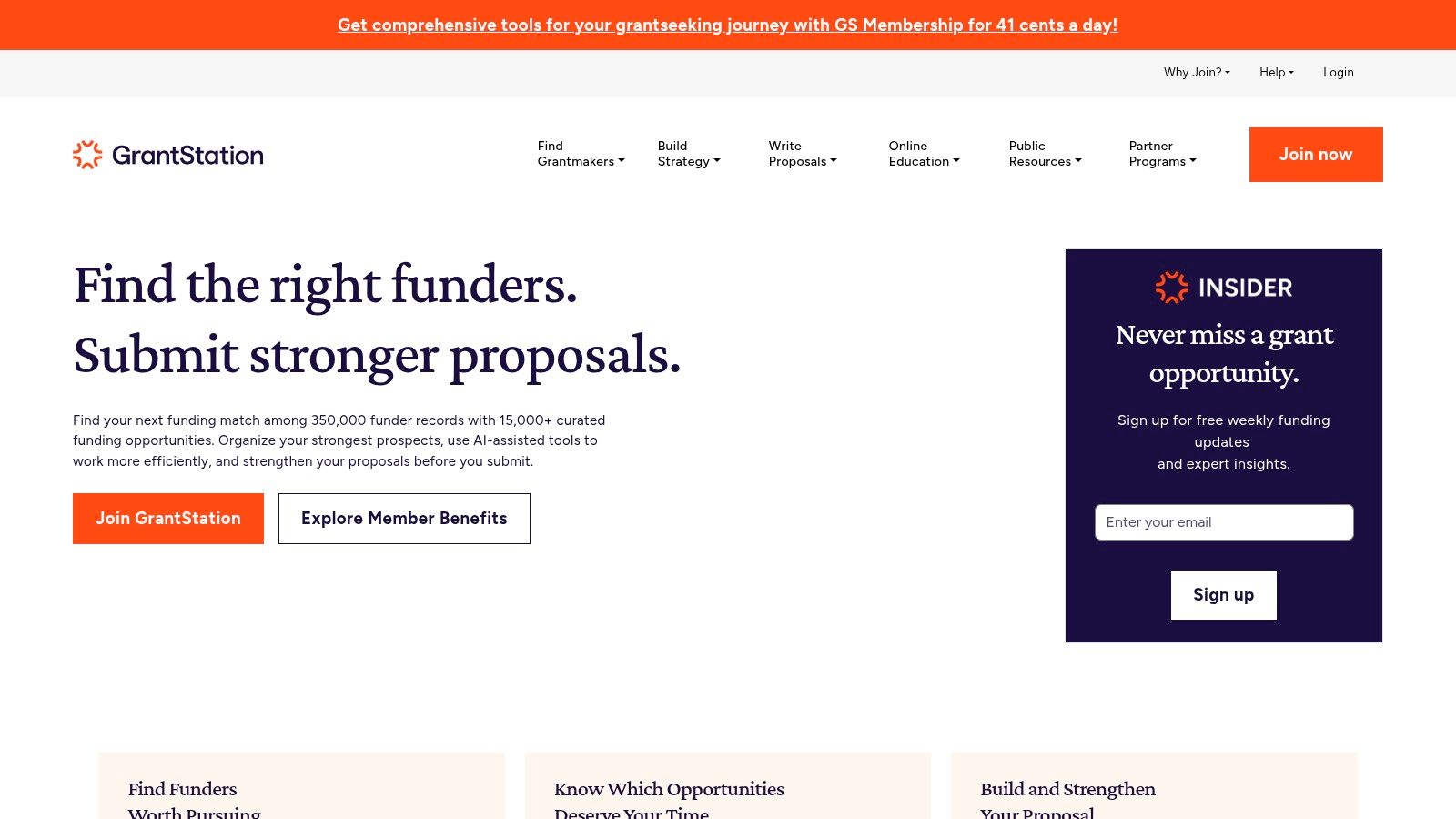
GrantStation combines grantmaker and opportunity research with educational material for grantseekers. Its planning resources, proposal tutorials, trend content, and curated newsletters make it more than a search interface. That combination is useful for newer grant writers who need help interpreting opportunities and improving their process.
The platform can also work for lean organizations that access discounts through nonprofit associations or TechSoup. Those discounts may change, so confirm current eligibility and pricing before building the budget around them. GrantStation's value is often strongest when the team wants both a database and guidance on how to use it.
Its trade-off is a lighter research experience than the deepest foundation databases. Users who need extensive financial detail, highly granular historical giving analysis, or advanced workflow automation may find it limited. The interface and data depth may also feel less modern than newer AI-assisted platforms.
Use GrantStation when the development team needs practical education alongside opportunity discovery. It's a weaker fit for a consultant managing a large number of client pipelines or a university research office that needs faculty matching and internal competition controls.
GrantStation deserves consideration from small nonprofits that want an accessible starting point, especially when a partner discount is available. Verify the current membership terms because pricing and offers have varied over time.
6. OpenGrants
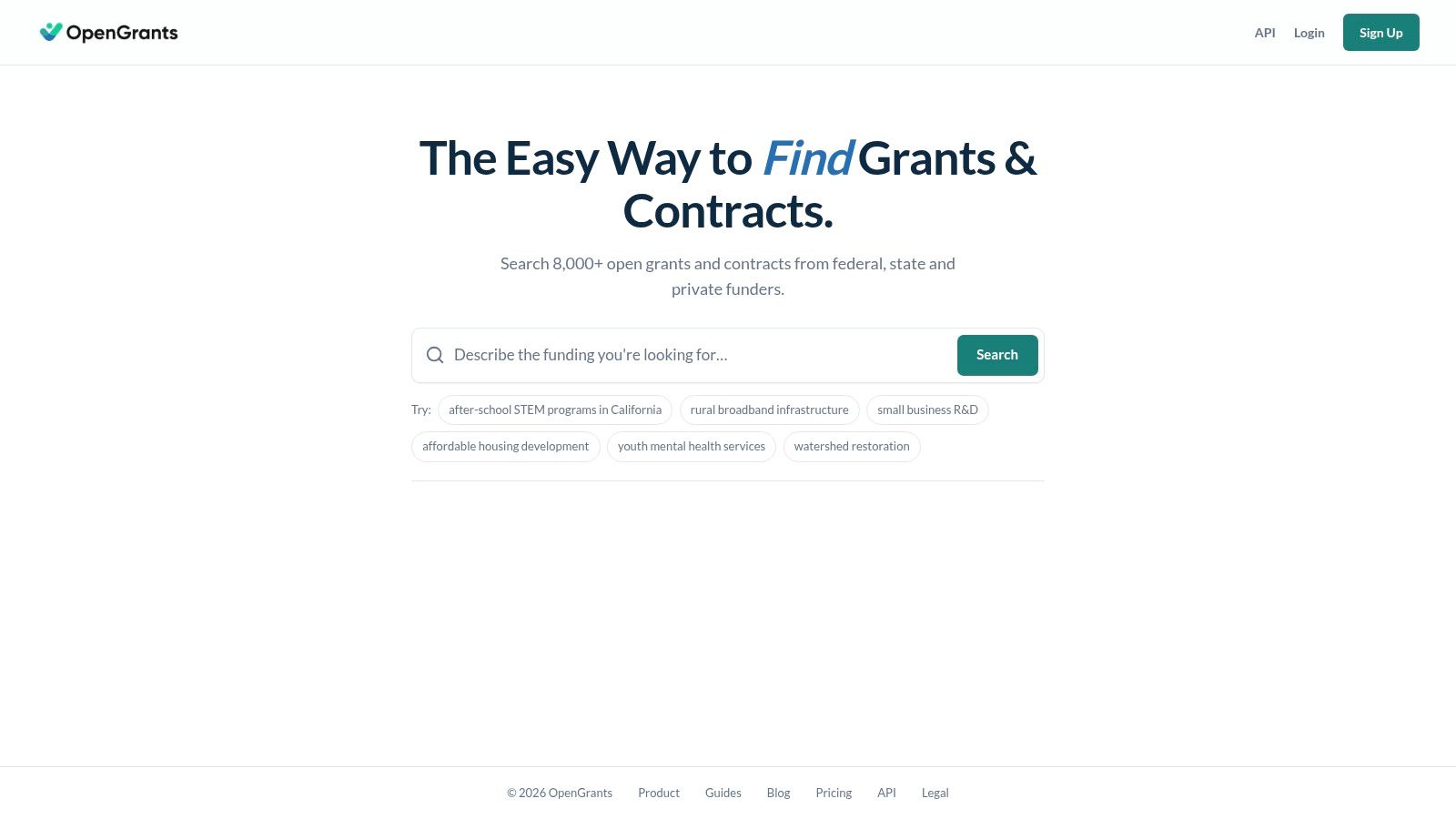
OpenGrants takes a lightweight approach to grant and public contract discovery. It offers match scoring, saved alerts, application links, pipeline functions, and a simple application builder. That makes it appealing to small nonprofits, civic teams, and early-stage social enterprises that want a flexible monthly tool rather than a large institutional platform.
The developer angle sets it apart. API access, connector options, and a whitelabel portal can support organizations that want to place grant discovery inside an internal system or client-facing service. A consulting firm could evaluate those capabilities differently from a five-person nonprofit that only needs saved searches and reminders.
The low entry point and free trial reduce the risk of testing it. A nonprofit discount may also be available on request. Still, the smaller footprint means coverage deserves close examination, especially if your strategy depends on niche local foundations or specialized funders.
A low price only helps if the tool finds the prospects your organization can actually pursue.
Developer and whitelabel features cost substantially more than the basic plan, so don't compare those tiers as if they serve the same user. OpenGrants is best for teams that value flexibility and simple workflows. It's not the obvious choice for a research office seeking mature campus administration or a nonprofit requiring extensive historical foundation intelligence.
7. GrantForward
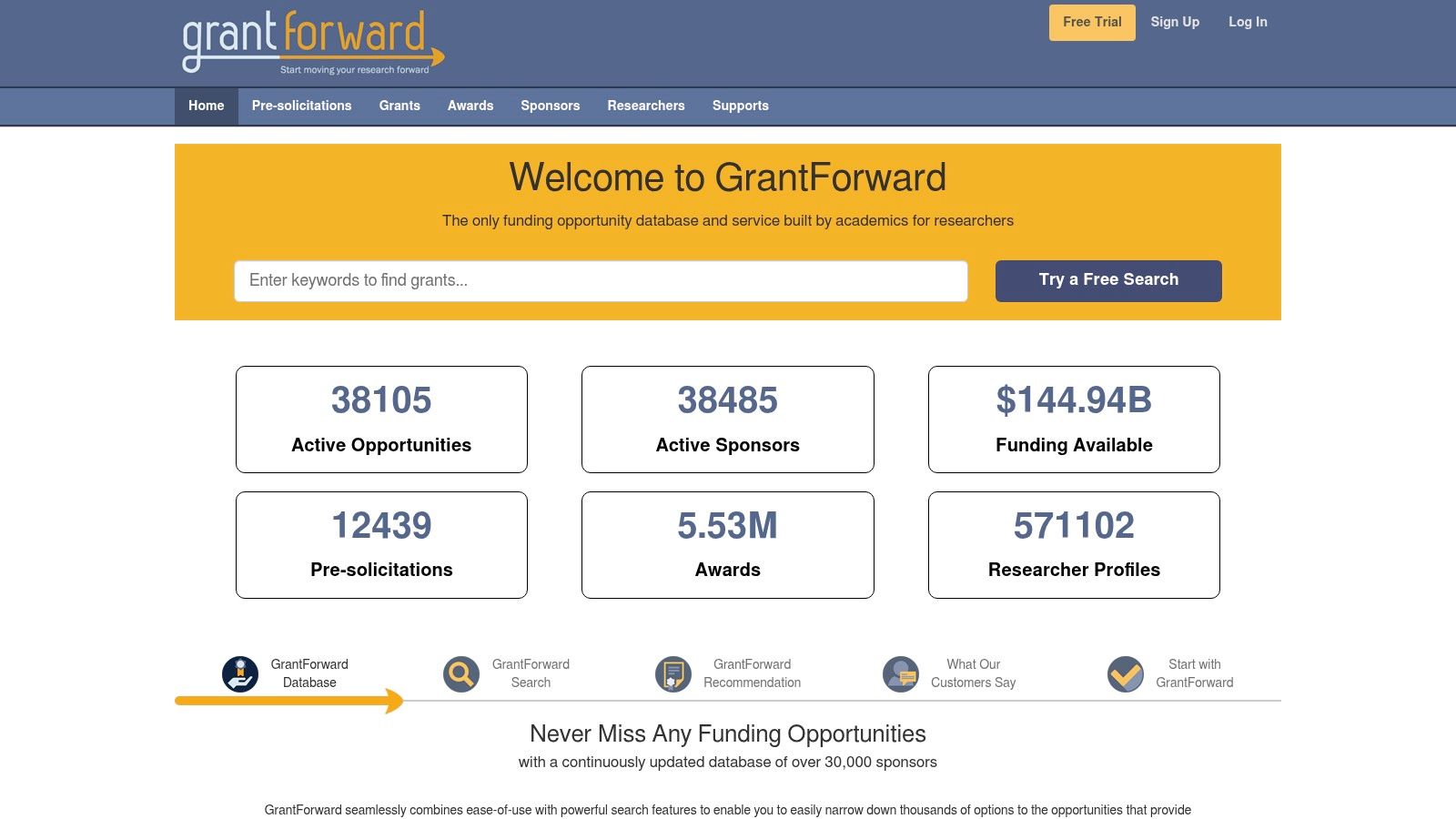
GrantForward is designed around academic and institutional research funding. It offers funding discovery, saved searches, curated lists, exclusion tools, favorites, and administrative functions for distributing opportunities across a campus. Those controls address a problem that community nonprofits rarely face at the same scale: helping many researchers find relevant opportunities while managing internal communication.
The platform's institutional orientation is its advantage. Research offices can create organized dissemination processes instead of asking every faculty member to search independently. Training, support materials, and one-to-one sessions also matter when adoption involves an entire department or campus.
The same design makes GrantForward excessive for a small nonprofit focused on local foundations. Its pricing isn't public and it's primarily sold through institutional subscriptions, so a buyer needs a direct conversation before evaluating total cost. That sales process may be appropriate for a university, but it's unnecessary friction for a small community organization that needs an immediate prospect list.
GrantForward works best where research administration, faculty communication, and opportunity filtering are central. It's less useful when the organization's work depends on local relationship-building, foundation board research, or nonprofit eligibility signals.
Review GrantForward with your research administration team, not just an individual faculty member. Ask how the platform handles internal distribution, saved profiles, excluded opportunities, and support for limited-submission processes before signing an institutional agreement.
8. Pivot-RP
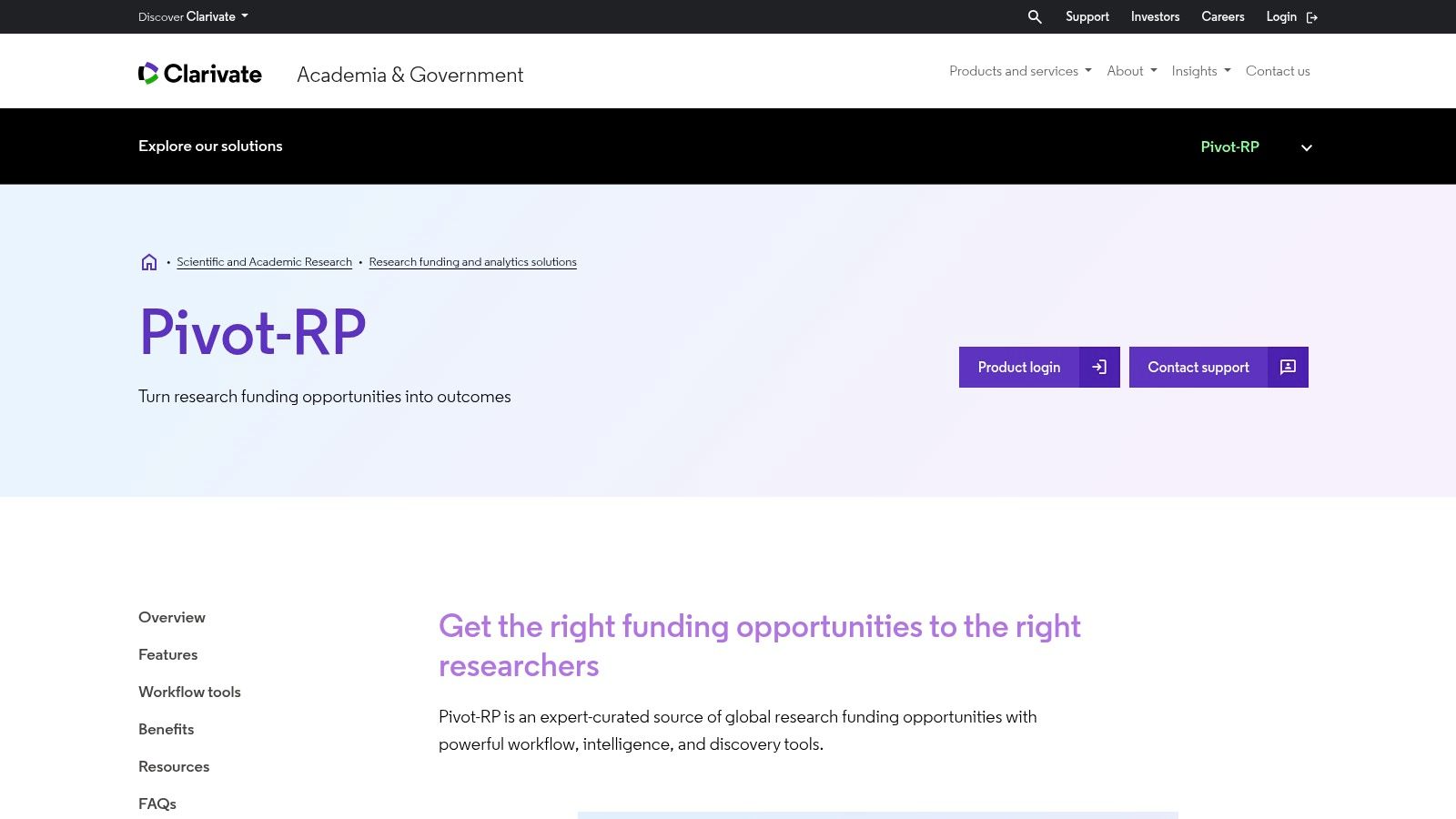
Pivot-RP, part of Clarivate, is another institutional platform for academic research funding. Its focus includes curated opportunities, researcher profiles, semantic search, an AI Funding Advisor, alerts, curated lists, newsletters, and administrative communication tools. Universities can use it to connect researcher interests with funding information while maintaining institutional branding and group structures.
The strongest fit is a mature research office that needs more than a searchable database. Profiles and matching can support faculty discovery, while administrative tools help teams manage alerts and communications across departments. The platform's academic focus also means its terminology, workflows, and support model are more aligned with higher education than with community nonprofit fundraising.
Pricing isn't public, and access is handled through institutional sales. That makes direct comparison difficult for a small organization. A university should request a demonstration using real research areas and ask how much setup faculty members must complete before matches become useful.
Pivot-RP isn't a sensible replacement for a foundation database when your primary prospects are local family foundations or nonprofit-focused grantmakers. It may, however, be valuable for a university research office that needs campus-wide workflow features and researcher-centered matching.
Visit Pivot-RP from Clarivate to assess its institutional capabilities. Compare not just the opportunity feed, but also onboarding, profile maintenance, reporting, alert administration, and user support.
9. SPIN
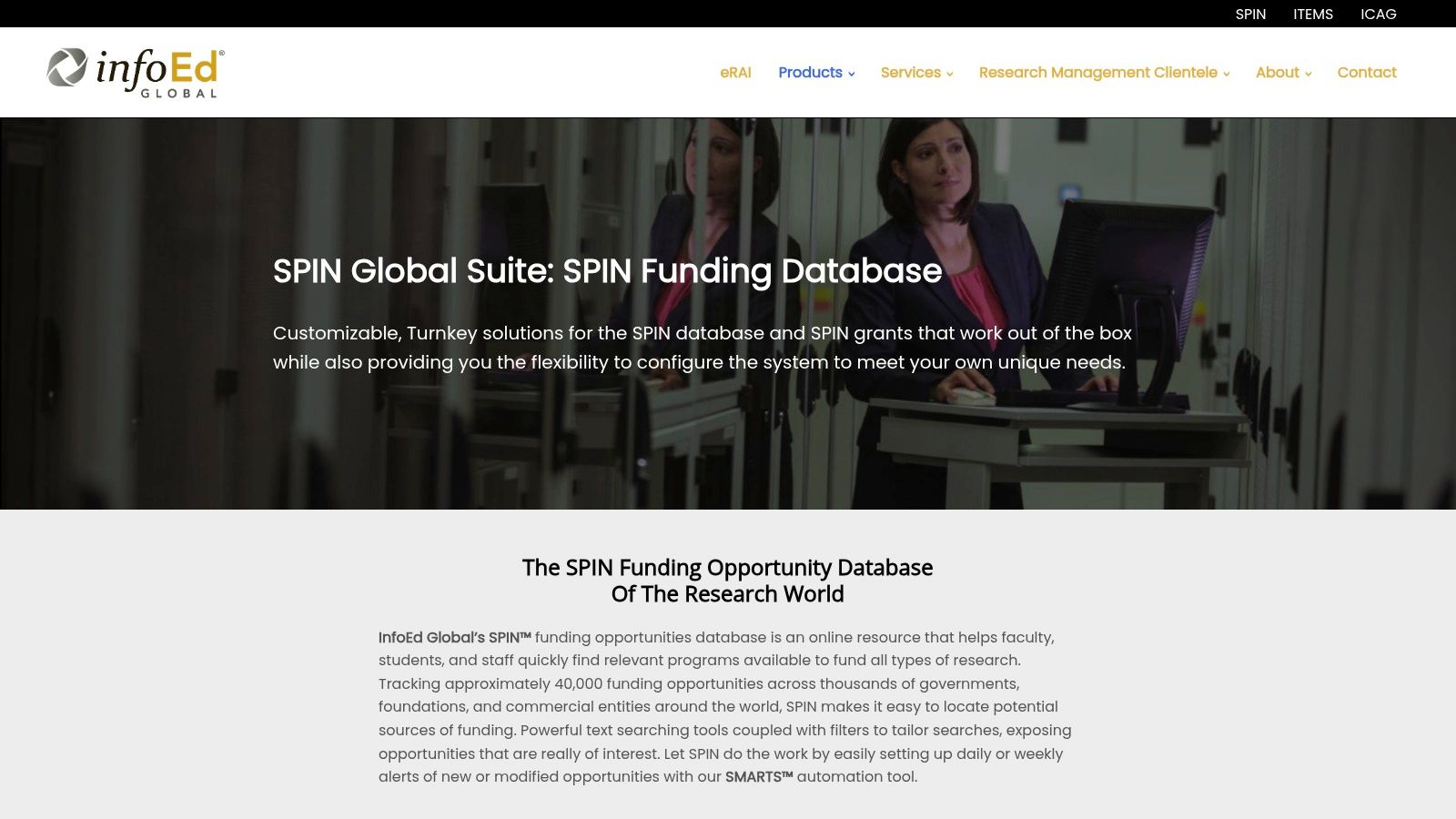
SPIN is a long-established research funding database used by universities and research offices. It combines broad sponsor coverage with advanced text search, filters, saved searches, and SMARTS alerts that deliver funding updates on a daily or weekly schedule. Campus authentication and administrative options support larger institutional deployments.
Its strength is depth within academic research funding. A research administrator can build structured searches around scientific terms, sponsor types, and investigator interests, then distribute relevant updates without requiring every researcher to begin from scratch. The relationship with InfoEd Global can also make SPIN a natural choice for institutions already using related research administration systems.
The interface and documentation lean toward professional research administration rather than small nonprofit fundraising. That isn't a flaw, but it does affect adoption. A community organization may find the terminology and setup heavier than necessary, particularly if its prospects depend on foundation relationships, local geography, or general operating support.
Pricing is not public and the product is mainly sold through institutional subscriptions. Ask for a demonstration that includes your actual research disciplines and alert requirements. The key test is whether researchers act on the matches, not whether administrators can create technically detailed searches.
SPIN from InfoEd Global is a strong candidate for university research offices that value mature alerts and sponsor coverage. It's overbuilt for most small nonprofits and unlikely to replace a foundation-focused platform.
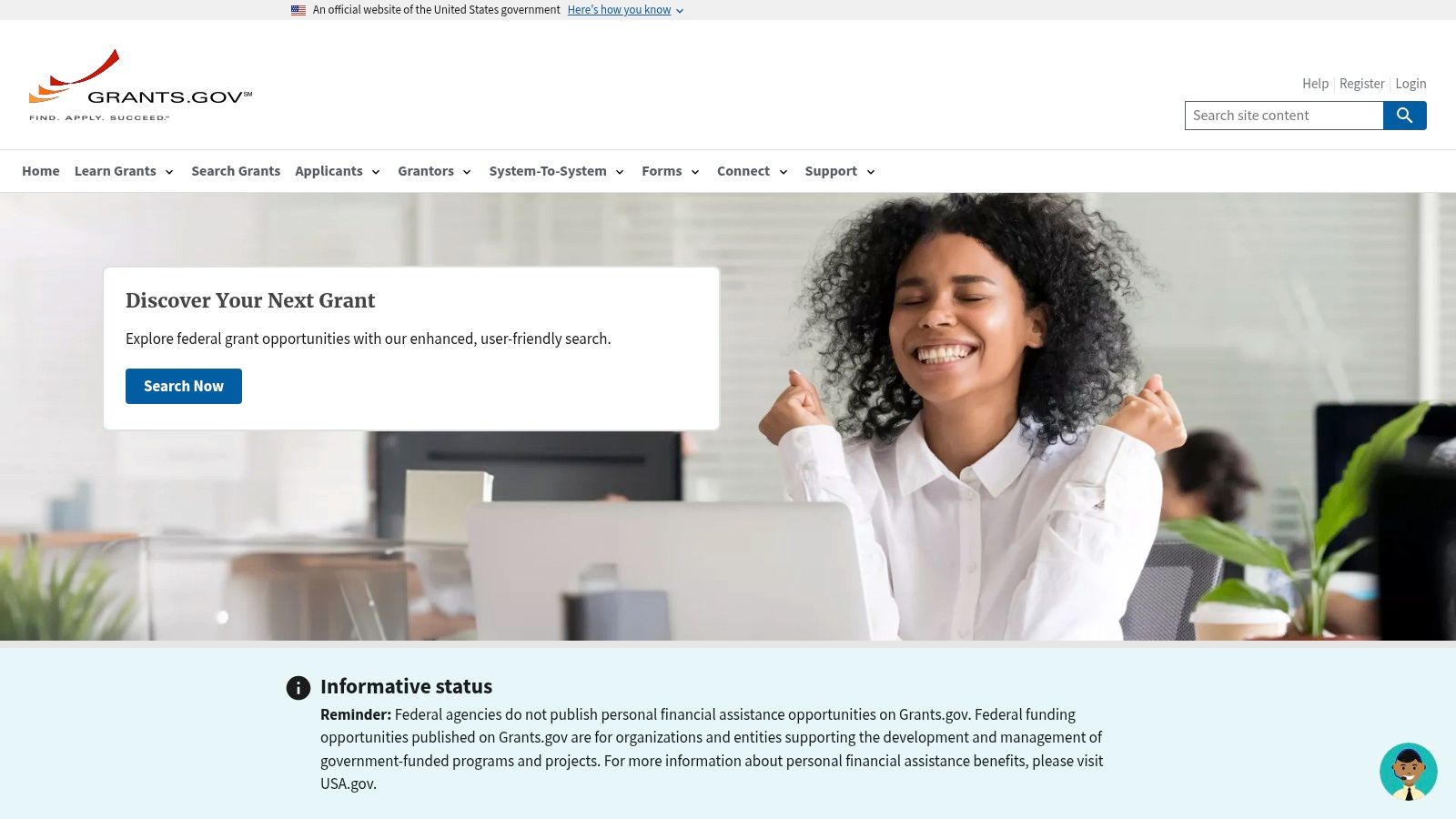
10. Grants.gov
A small nonprofit can start a federal search on Grants.gov without buying a database. The platform lists federal opportunities, supports keyword and filter searches, and provides applicant guidance, exports, and Workspace for preparing submissions and assigning team roles. NIH applicants can also use Explore NIH for more specialized discovery.
The portal should be part of any federal-funding workflow, even when a team later adds a paid service. Grants.gov is the authoritative place to review federal opportunity notices and application requirements. Its trade-off is manual review. Applicants must interpret eligibility language, attachments, agency instructions, and deadlines themselves.
Grants.gov does not provide private-foundation profiles, board or trustee context, peer prospecting, or consolidated giving histories. A small organization with a narrow federal search may need nothing more. A larger nonprofit running federal and foundation prospecting will usually need another database or a clear spreadsheet process alongside it.
Federal award information also has a long public history. The Federal Funding Accountability and Transparency Act of 2006 and the DATA Act of 2014 established major transparency milestones. Award records reach back to fiscal year 2001 for grants, detailed recipient profiles begin in fiscal year 2008, and reporting improved from fiscal year 2017 under full DATA Act requirements. Just as grantseekers benefit from comparing sources, academic research tools compared shows why comparing records across systems can improve research. Older records can reveal agency priorities and recurring relationships, although their consistency may differ from newer data.
Start with Grants.gov, then consider federal grants for nonprofits when building a broader search process. Score each tool on federal coverage, foundation coverage, search time, collaboration needs, and cost before adding it to your workflow. The IRS overview of private-foundation and charitable-trust statistics can provide separate context for private-foundation data, but it is not a source for federal award-history claims.
Top 10 Grant Research Tools Comparison
| Product | Core features & USP | Coverage & fit / UX | Target audience | Pricing & value |
|---|---|---|---|---|
| Grantlas (Recommended) | Auto profile from URL/EIN; Fit score + 2‑sentence reasoning & flags; giving history; board listings; peer prospecting | Private foundations + federal/state/local; nationwide; nightly scans; monthly re-score; fast matches (~10 min) | Small–medium nonprofits, consultants, boards | Solo $99/mo ($999/yr); Pro $199/mo ($1,999/yr); 7‑day free trial; lower entry price |
| Instrumentl | AI-matched prospecting; pipeline, task & award tools; AI Apply | 450k+ funders, 37k+ RFPs; strong workflow UX; advanced features on higher tiers | Nonprofits, consultants, universities | Tiered plans; higher entry price; paid tiers unlock collaboration & AI writing |
| Candid (Premium/Ultimate) | Deep foundation profiles; grants data export; AI fundraising assistant | Extensive giving history; unlimited views on paid tiers; compliance checks on Ultimate | Fundraisers, research teams, libraries | Paid Premium/Ultimate; free registration & partner access; can be costly for small orgs |
| GrantWatch | Human-verified listings updated daily; add-on AI tokens & alerts | 15k+ opportunities; simple UX for quick scans; daily updates | Small teams, short research sprints | Budget-friendly; short-term (week/month) access options; add-on intelligence tokens |
| GrantStation | Funder database + strategy guides, proposal tutorials, curated alerts | Curated opportunity alerts; educational resources; lighter data depth vs premium DBs | Newer grant writers, small nonprofits, associations | Often discounted via partners/TechSoup; verify current pricing |
| OpenGrants | AI match scoring, application links, simple app builder; API & whitelabel options | Lightweight coverage; month-to-month plans; developer-friendly integrations | Small nonprofits, civic teams, startups, developers | Low entry price; 7‑day trial; 50% nonprofit discount on request; dev features cost more |
| GrantForward (Cazoodle) | Research-focused funding DB; saved searches; campus dissemination tools | Comprehensive research funding with robust filters; campus admin tools | Universities, research organizations | Institutional licensing; pricing not public |
| Pivot-RP (Clarivate) | Editor-curated global funding; AI Funding Advisor; researcher profiles | Deep global academic coverage; curated lists & news add-ons | Higher-education research offices | Institutional sales; pricing not public |
| SPIN (InfoEd) | Research funding tracking; SMARTS alerting; editorial review | ~40k global opportunities; powerful search & daily/weekly alerts | Universities, research admins | Institutional subscriptions; pricing not public |
| Grants.gov | Official federal opportunities portal; Applicant Workspace | Authoritative federal coverage across agencies; free but more manual UX | Any applicant targeting federal funding | Free |
Matching Your Grant Research Tools to Your Organization's Next Search
The best grant research tool is the one that helps your team make better decisions within its actual capacity. A national database can still be a poor investment if it produces hundreds of plausible names and leaves one grant writer to verify every prospect manually. More opportunities aren't automatically better, especially when the application process consumes scarce staff time.
The 2025 Nonprofit Finance Fund survey found that 44% of respondents considered the application process too onerous, while 40% cited excessive compliance burden, as reported in the survey's full results. A separate 2025 grantseeking report identified lack of time or staff as the leading challenge at 19.3%, followed by competition for finite funds at 15.6% and difficulty finding suitable opportunities at 12.5%, according to the published grantseeking analysis. Your selection process should therefore measure staff effort, not just search volume.
A practical fit score
Start with a short test using a real program and a few funders your team already knows. Score each platform on the following dimensions:
- Coverage: Does it include the funder types, locations, and opportunity categories you pursue?
- Eligibility clarity: Does it surface applicant type, geography, invitation status, budget expectations, and match requirements?
- Evidence quality: Can you see the filing year, source document, grant date, and reason behind a recommendation?
- Prioritization: Does it help distinguish a realistic prospect from a technically relevant but low-value opportunity?
- Workflow fit: Can your team save prospects, assign work, track deadlines, and revisit decisions?
- Cost fit: Does the plan support your users, organizations, and client volume without paying for unused features?
Give each category a simple score from low to high, then add one operational measure: how many results become worth pursuing after verification. A tool that returns fewer prospects but reduces wasted reading may outperform a larger database.
The 2024 State of Grantseeking survey reported that grant research took three days or fewer for 64% of respondents, while grant writing took more than three days for 57%. The survey collected 2,306 responses, but its online, self-selected methodology wasn't scientifically representative, so use those figures as directional evidence rather than a universal benchmark. The practical lesson is to seek better prioritization, not promise to eliminate all research time.
Start with a free federal search on Grants.gov and establish a baseline for the program you're funding. Then test one paid private-foundation tool against that same search. Compare the explanations, eligibility flags, giving history, source recency, and rejection rate against three to five funders you already know. For university research offices, run the equivalent test with real faculty profiles and internal alert requirements using GrantForward, Pivot-RP, or SPIN.
Finally, check whether the data can support responsible decisions. Public IRS filing data can be large enough for meaningful funder intelligence, but it typically arrives with a 12 to 24 month lag, as documented by Plinth's public-data project. Separate record recency from decision recency and evidence strength. Choose the tool whose cost, team limits, coverage, and transparency match your organization before committing to an annual plan.
Grantlas combines private-foundation research with open federal, state, and local opportunity discovery, then adds scored matches, plain-English reasoning, eligibility flags, giving history, peer prospecting, and deadline reminders. Build a profile from your website or EIN and test the workflow against your next real search by visiting Grantlas.